Tic Tac Toe for Android
Tic Tac Toe with four board sizes and online play
- Free
- Play in your browser, progress saved
- Part of GameHub, 30+ games
Your level and best scores are saved in this browser, so you can continue where you stopped. The app keeps your progress on your phone.
About Tic Tac Toe
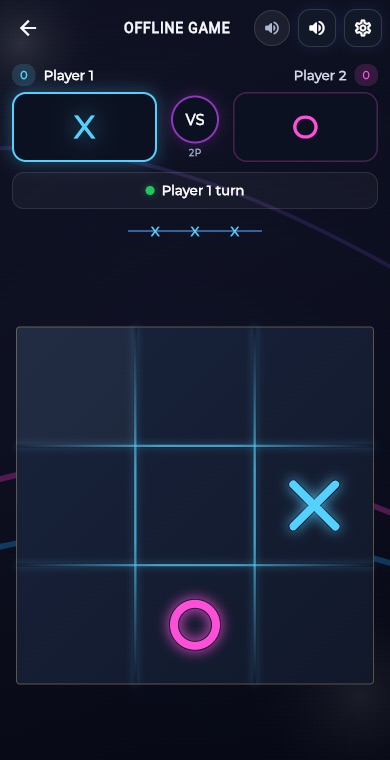
Tic Tac Toe is the classic game of X and O. Players take turns marking squares, and the first to line up the required number of marks in a row, column or diagonal wins. On the familiar 3x3 board that number is three.
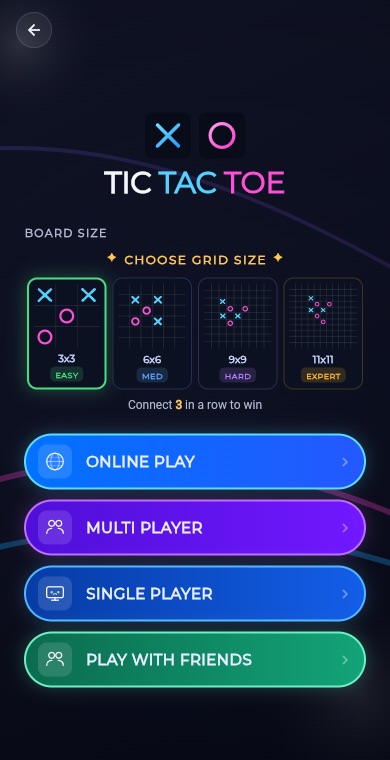
GameHub takes the idea further with four board sizes and four ways to play. Challenge the computer at Easy, Medium or Hard, pass the phone to a friend, find an opponent online with quick match, or create a room and play with friends.
How to play
Choose a board size on the Tic Tac Toe menu: 3x3, 6x6, 9x9 or 11x11.
Pick how to play: Online, Multi Player on one phone, Single Player against the computer, or Play with Friends.
For Single Player, choose Easy, Medium or Hard before the game starts.
Tap an empty square to place your mark and take turns with your opponent.
Line up the winning number of marks to win: 3 on a 3x3 board, 4 on 6x6, 5 on 9x9 and 6 on 11x11.
What you get
Play on 3x3, 6x6, 9x9 or 11x11 boards, with a longer winning line on bigger grids.
Face the computer on Easy, Medium or Hard in single player mode.
Use Multi Player to take turns with a friend on the same device.
Get matched with another player online, with an in-game chat panel during the match.
Create a room or join one to play against a friend on their own phone.
Your X wins against the computer or on one phone count on the Tic Tac Toe leaderboard.
Pro tips
- On 3x3, take the center or a corner first. They give you the most winning lines.
- Look for a fork, a move that creates two winning threats at once, because your opponent can only block one.
- On larger boards, build open lines with space on both ends so one block cannot stop you.
- Always check your opponent's lines before extending your own. Block them when they are one mark away.
- On 3x3, perfect play from both sides ends in a draw, so aim to set traps on the higher levels.
Take Tic Tac Toe everywhere
Download GameHub free to save your progress and best scores, and unlock 30+ games.
Frequently asked questions
What board sizes does Tic Tac Toe have in GameHub?
There are four sizes: 3x3, 6x6, 9x9 and 11x11. The number in a row needed to win grows with the board, from three on 3x3 up to six on 11x11.
Can I play Tic Tac Toe online?
Yes. The menu has an Online option that matches you with another player, and a Play with Friends option where you create or join a room. The online game also has a chat panel.
Can I play against the computer?
Yes. Choose Single Player and pick Easy, Medium or Hard. The computer plays on whichever board size you selected on the menu before starting, so you can practice on any grid.
Can two people play on one phone?
Yes. Select Multi Player from the menu and take turns tapping squares on the same device. It works on every board size, so you can try a bigger grid with a friend.
Is Tic Tac Toe free to download?
Yes. Tic Tac Toe is part of the free GameHub app for Android, along with many other puzzle, board, card and arcade games, so there is plenty more to try.
More games
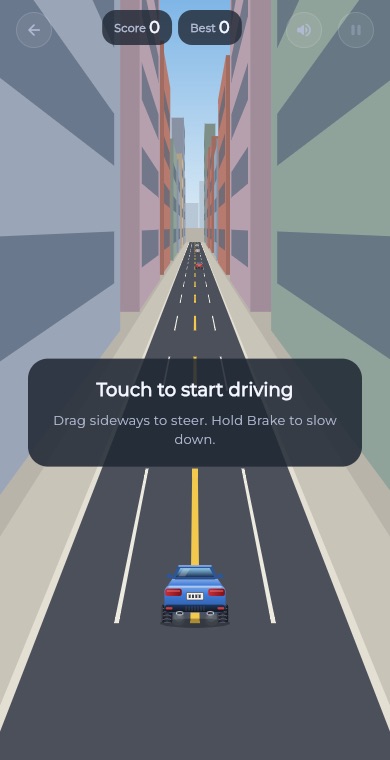 RacingEndless Car
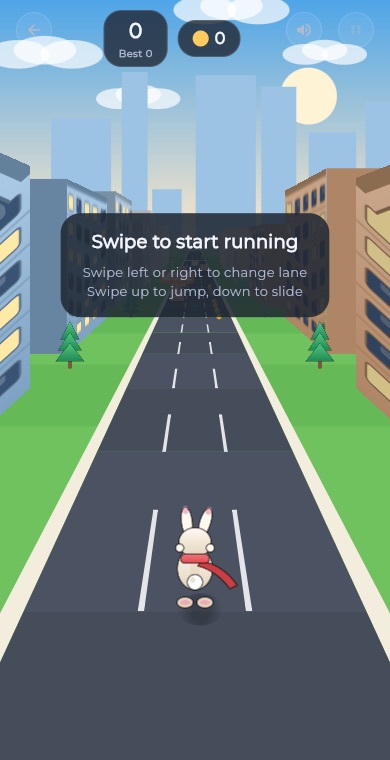 ArcadeEndless Runner
 RacingEndless Bike
 PuzzleLine Link
 ArcadeSnake
 ArcadeGate Dash
 PuzzleConnect Dots
 PuzzleArrow Puzzle
 ArcadeBubble Shooter
 Puzzle2048
 PuzzleWater Sort
 PuzzlePrism Fit
 PuzzleBall Sort
 PuzzleWord Search
 PuzzleBlock Blast
 RacingCity Roam
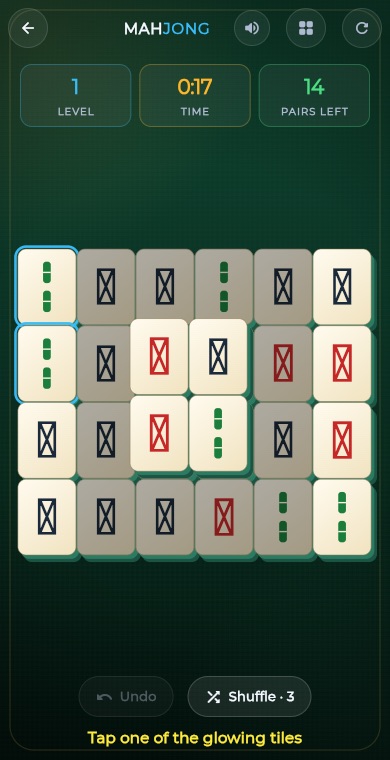 PuzzleMahjong
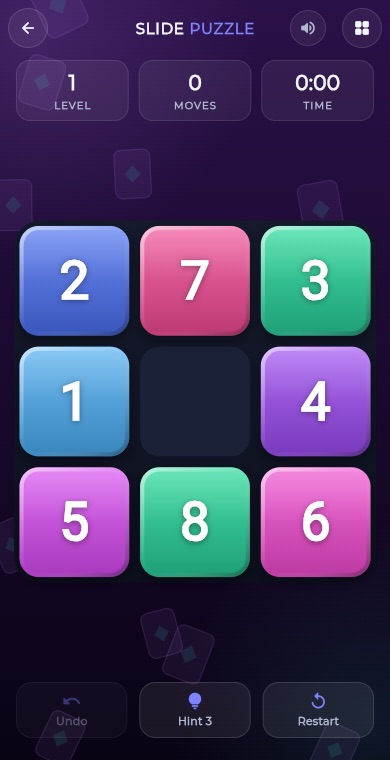 PuzzleSlide Puzzle
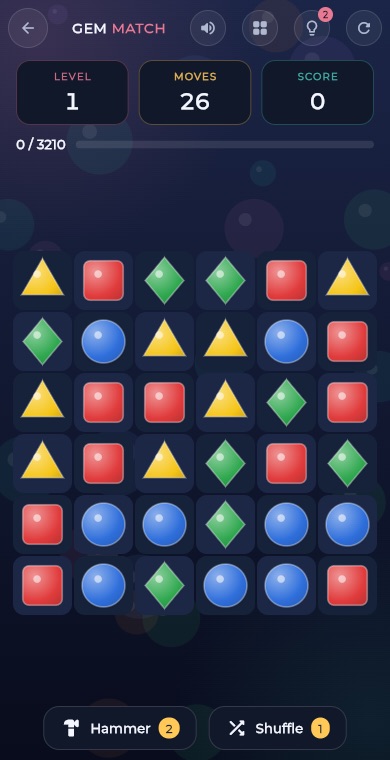 PuzzleGem Match
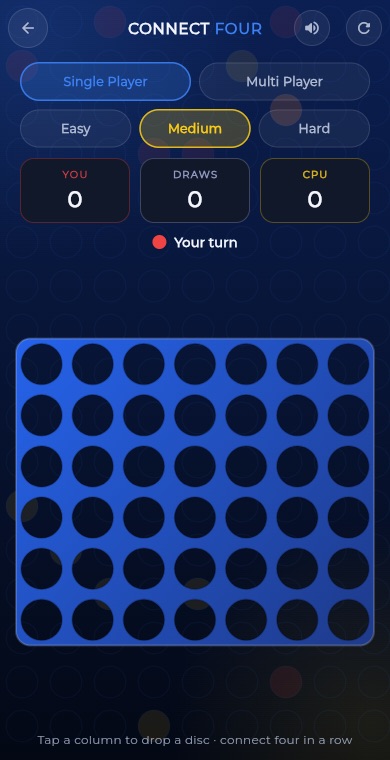 BoardConnect Four
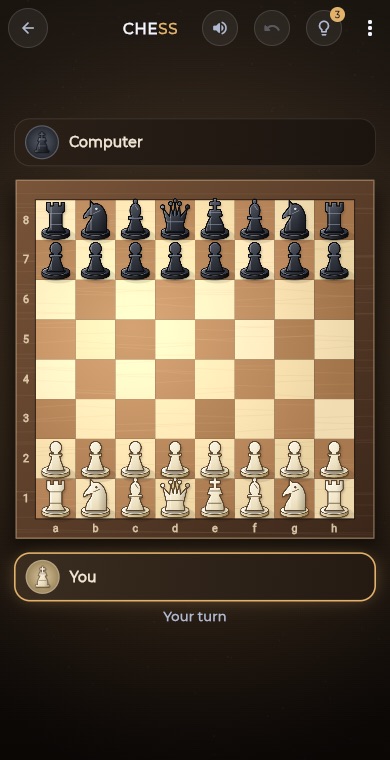 BoardChess
 BoardLudo
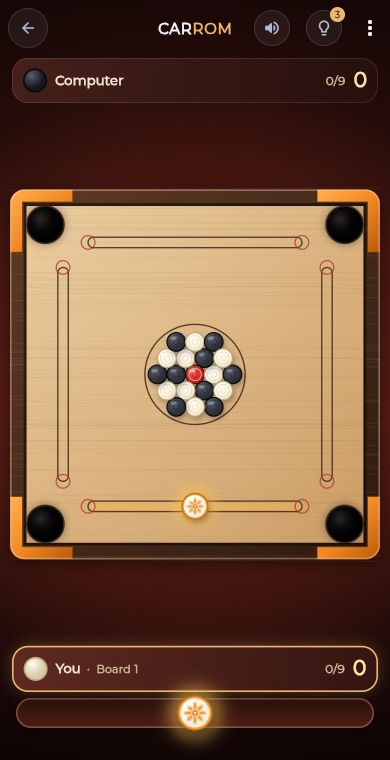 BoardCarrom
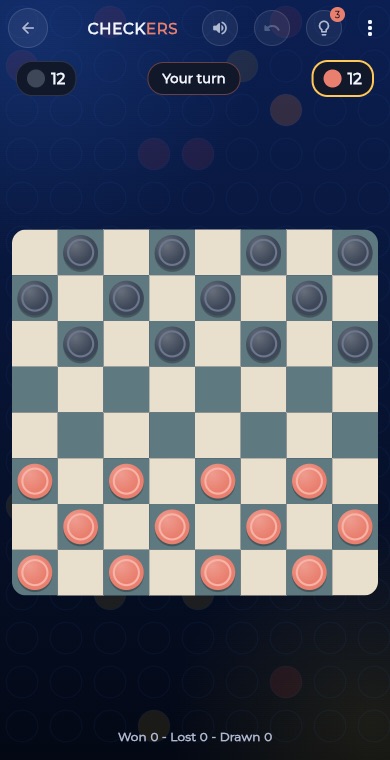 BoardCheckers
 CardSolitaire
 PuzzleSudoku
 PuzzleMinesweeper
 PuzzleMemory Match