Sudoku for Android
Classic 9x9 logic with four difficulties and a fresh grid every time
- Free
- Play in your browser, progress saved
- Part of GameHub, 30+ games
Your level and best scores are saved in this browser, so you can continue where you stopped. The app keeps your progress on your phone.
About Sudoku
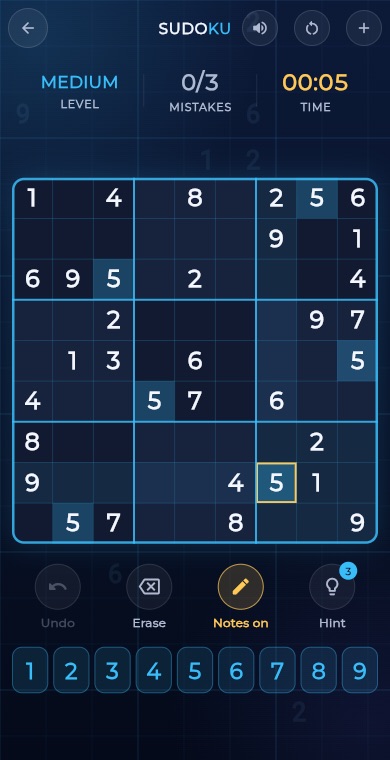
Sudoku is the classic number logic puzzle. You fill a 9x9 grid so that every row, every column and every 3x3 box contains the digits 1 to 9 exactly once. Some digits are given at the start, and the rest is up to your reasoning.
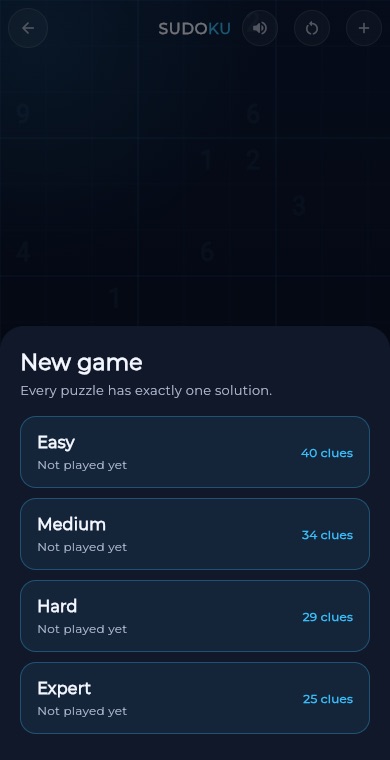
In GameHub, every new game builds a brand new puzzle with exactly one solution, so you never need to guess. Pick Easy, Medium, Hard or Expert, use pencil notes, undo and a few hints, and your unfinished game is saved so you can come back to it later.
How to play
Choose a difficulty: Easy, Medium, Hard or Expert. Harder levels start with fewer given digits.
Tap an empty cell. The cell's row, column and box light up to help you see what is already used.
Tap a number on the pad to place it. A wrong digit counts as a mistake, and three mistakes end the game.
Switch on Notes to pencil small candidate digits in a cell without committing to an answer. Placing a digit clears matching notes in its row, column and box.
Use Undo to take back a move, Erase to clear a cell, or Hint to reveal a correct digit (3 hints per game).
Fill every cell correctly to solve the puzzle and earn up to three stars.
What you get
Easy, Medium, Hard and Expert, from about 40 given digits down to about 25.
Each puzzle is generated new and always has exactly one solution.
Mark candidate digits in a cell and let the game tidy them as you play.
Take back moves freely and use up to three hints per game.
An unfinished game is saved, so you can continue it later.
Your best solve time is tracked for each difficulty, with leaderboards.
Pro tips
- Start with the digits that appear most often on the grid, and look for the row, column or box where one cell can only take one number.
- Use Notes early on tough puzzles. Once a cell has a single candidate left, you can place it with confidence.
- Scan one box at a time, then one row or column at a time, instead of jumping around the grid.
- Save hints for when you are truly stuck. Each mistake and each hint lowers your star rating.
- Since every puzzle has exactly one solution, there is always a logical next step. Never guess.
Take Sudoku everywhere
Download GameHub free to save your progress and best scores, and unlock 30+ games.
Frequently asked questions
Is Sudoku free on Android?
Yes. Sudoku is included free in the GameHub app, which you can download from Google Play. There is no need to create an account to start playing and solving puzzles.
How many difficulty levels does Sudoku have?
There are four: Easy, Medium, Hard and Expert. The harder the level, the fewer digits are given at the start, so you have to work more of the puzzle out by logic.
What happens if I make a mistake?
A wrong digit is counted as a mistake. You are allowed up to three, and the third mistake ends the puzzle. You can then replay the same puzzle or start a new one.
Can I use pencil notes in Sudoku?
Yes. Turn on Notes, then tap numbers to mark candidates in a cell. When you place a real digit, matching notes in its row, column and box are removed for you automatically.
Does the game save my progress?
Yes. If you leave a game unfinished, it is saved with your digits, notes, mistakes and time, and you can resume it next time you open Sudoku.
More games
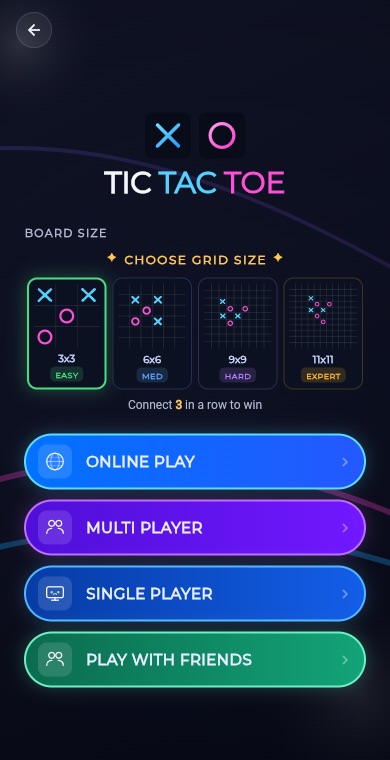 BoardTic Tac Toe
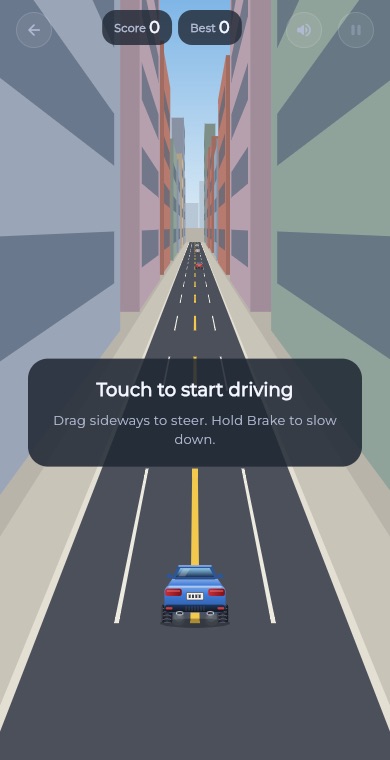 RacingEndless Car
 ArcadeEndless Runner
 RacingEndless Bike
 PuzzleLine Link
 ArcadeSnake
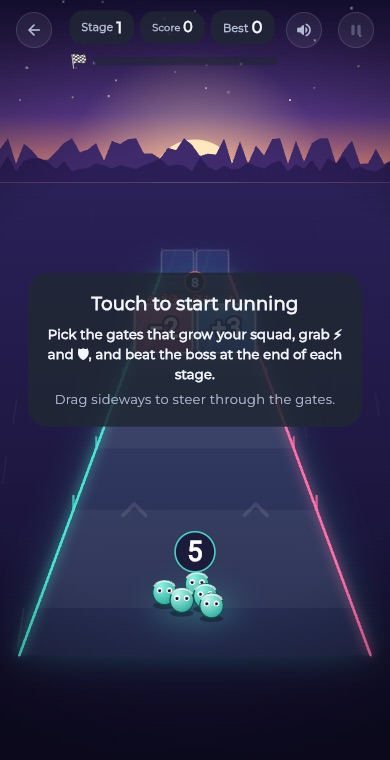 ArcadeGate Dash
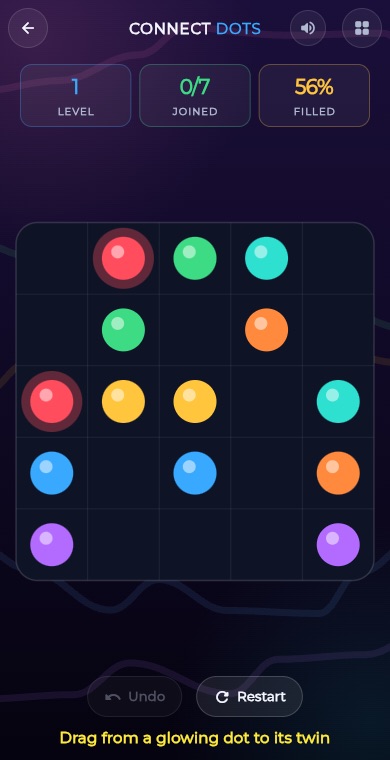 PuzzleConnect Dots
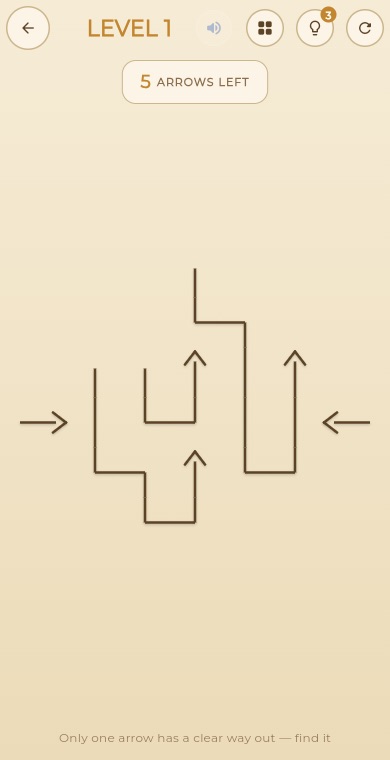 PuzzleArrow Puzzle
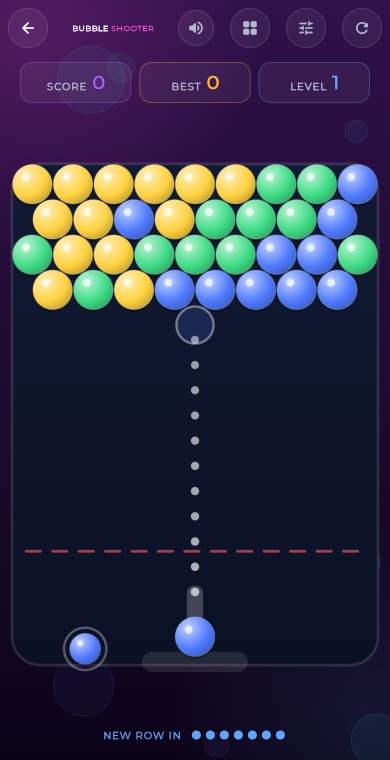 ArcadeBubble Shooter
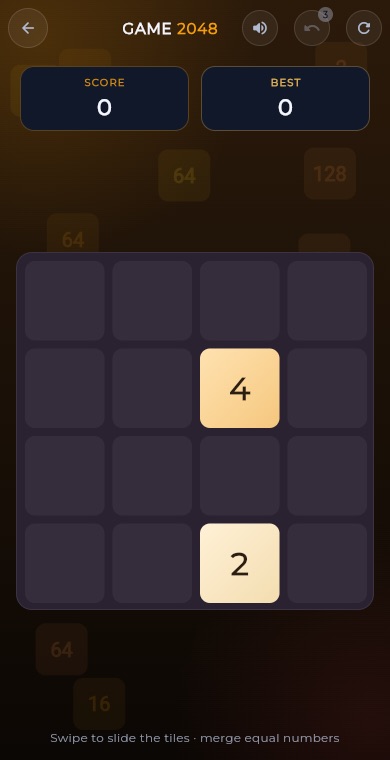 Puzzle2048
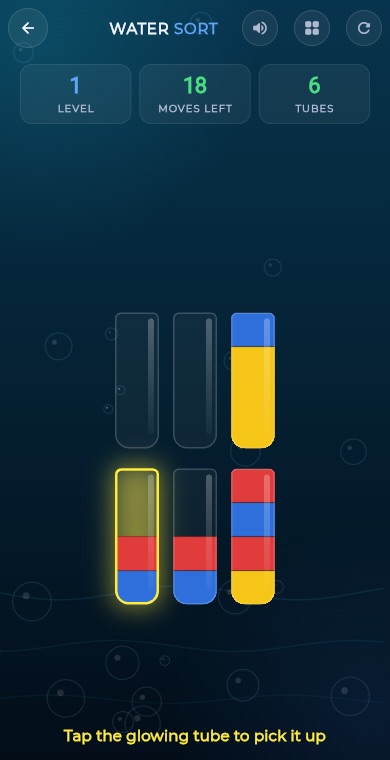 PuzzleWater Sort
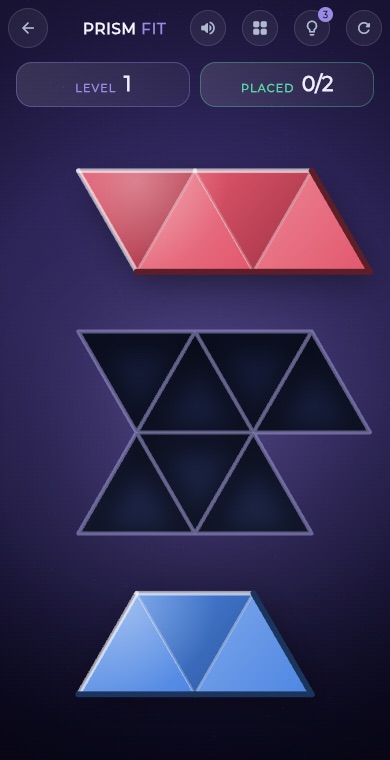 PuzzlePrism Fit
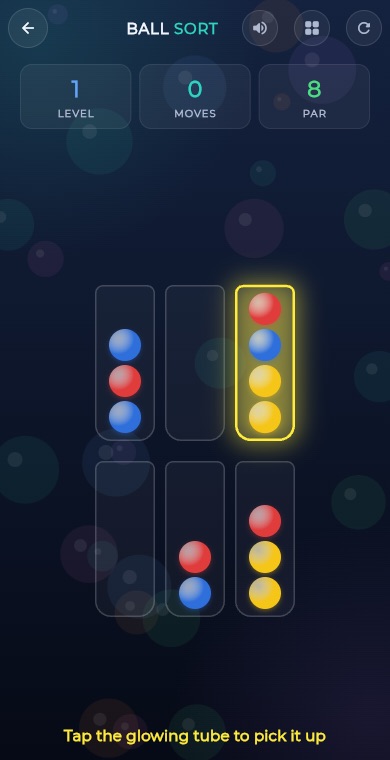 PuzzleBall Sort
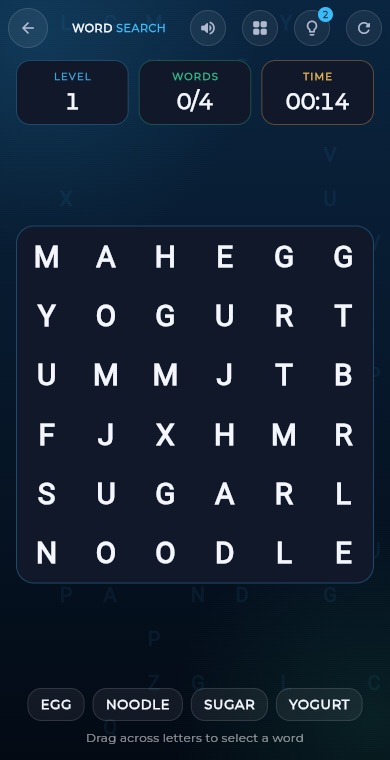 PuzzleWord Search
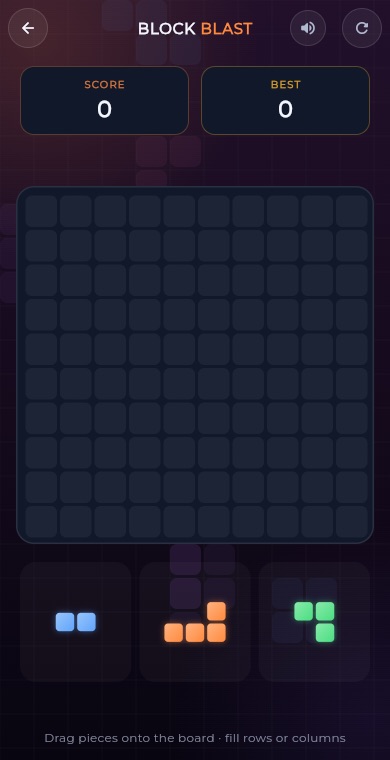 PuzzleBlock Blast
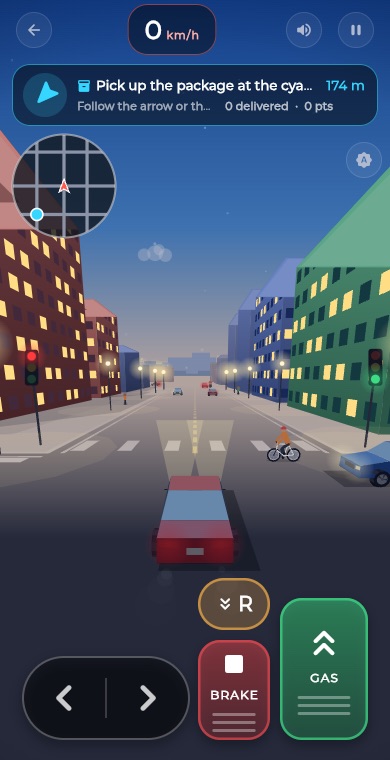 RacingCity Roam
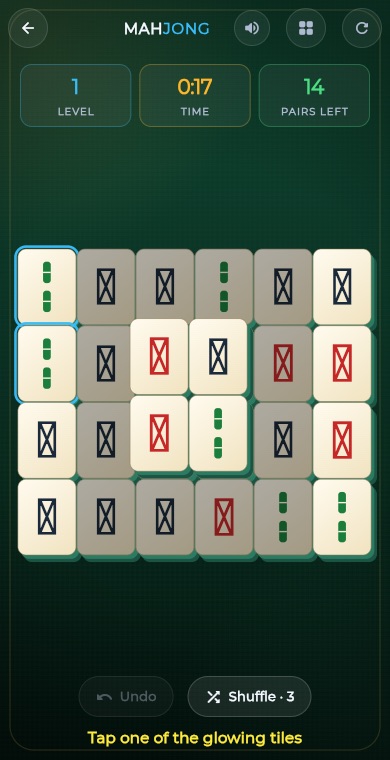 PuzzleMahjong
 PuzzleSlide Puzzle
 PuzzleGem Match
 BoardConnect Four
 BoardChess
 BoardLudo
 BoardCarrom
 BoardCheckers
 CardSolitaire
 PuzzleMinesweeper
 PuzzleMemory Match