Memory Match for Android
Flip cards, remember where they are, match every pair
- Free
- Play in your browser, progress saved
- Part of GameHub, 30+ games
Your level and best scores are saved in this browser, so you can continue where you stopped. The app keeps your progress on your phone.
About Memory Match
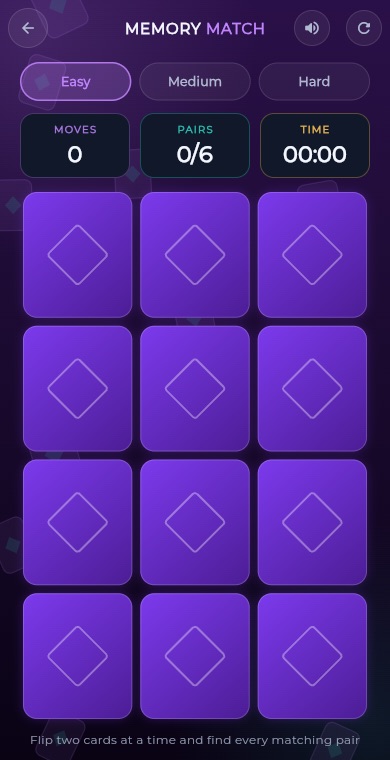
Memory Match is a simple card game that trains your short term memory. All the cards start face down. You turn over two at a time, and if the pictures match, the pair stays open. If they do not, both flip back and you try again.
The GameHub version has three grid sizes, from a relaxed 12 card board to a 30 card challenge. Each card shows a colourful icon such as a heart, rocket or pizza. The game counts your moves and time, awards up to three stars, and keeps your best move count for each difficulty.
How to play
Choose a difficulty. Easy has six pairs, Medium has ten pairs and Hard has fifteen pairs.
Tap a card to flip it face up, then tap a second card to try to find its match.
If both cards show the same icon, they stay matched. If not, they flip back after a short pause, so remember what you saw.
Each pair of cards you flip counts as one move. Try to finish in as few moves as possible.
Match every pair to win. You get one to three stars based on how few moves you used.
What you get
Easy is 3 by 4, Medium is 4 by 5 and Hard is 5 by 6 cards.
Win with very few moves for three stars. Just finishing earns one.
The game keeps your fewest moves separately for each difficulty.
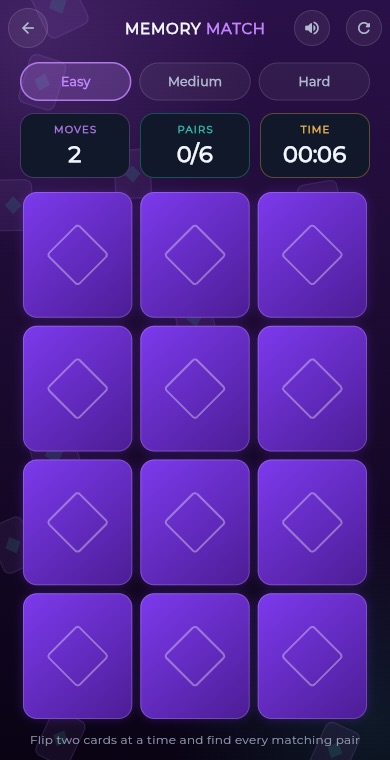
Track your moves and elapsed time while you play.
Each game picks and shuffles a fresh set of icons, so every board is different.
Leave mid game and your matched pairs, moves and time are restored when you return.
Pro tips
- Flip cards in the corners or edges first so you build a mental map from a fixed starting point.
- Remember positions by row and column, for example top row, second card.
- When you flip a new card, check whether you have already seen its twin before picking the second card.
- Use the first flip of a move to explore and the second flip to confirm a match you already know.
- Start on Easy to learn the pace, then move to Hard once you can clear it in few moves.
Take Memory Match everywhere
Download GameHub free to save your progress and best scores, and unlock 30+ games.
Frequently asked questions
Is Memory Match free on Android?
Yes. Memory Match is part of the free GameHub app for Android. You can play all three difficulty levels without paying, and your best scores are saved on your device.
How many cards are in each difficulty?
Easy uses 12 cards in a 3 by 4 grid for six pairs. Medium uses 20 cards in a 4 by 5 grid for ten pairs. Hard uses 30 cards in a 5 by 6 grid for fifteen pairs.
How is a move counted?
A move is one attempt at a pair, meaning two cards flipped. Matching pairs and misses both count. Fewer moves give a better star rating and a lower best score.
Can I stop in the middle of a game?
Yes. If you leave a game in progress, the app saves your matched pairs, move count and time. Cards that were face up are turned back down when you return.
How do I get three stars?
Finish the board in about one and a half moves per pair or fewer. On Easy that is nine moves or fewer, on Medium fifteen, and on Hard twenty three. Slightly more moves still earn two stars.
More games
 BoardTic Tac Toe
 RacingEndless Car
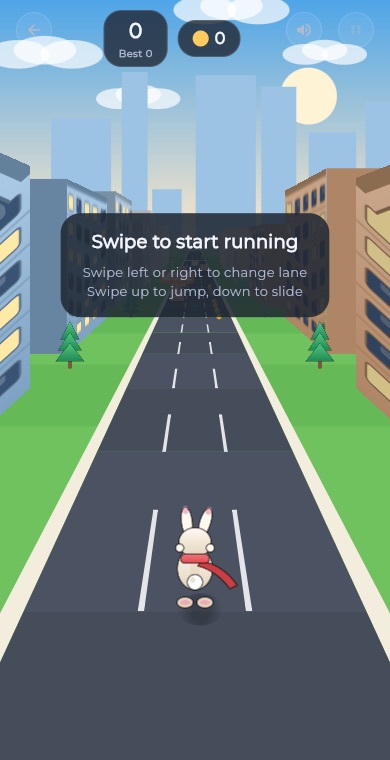 ArcadeEndless Runner
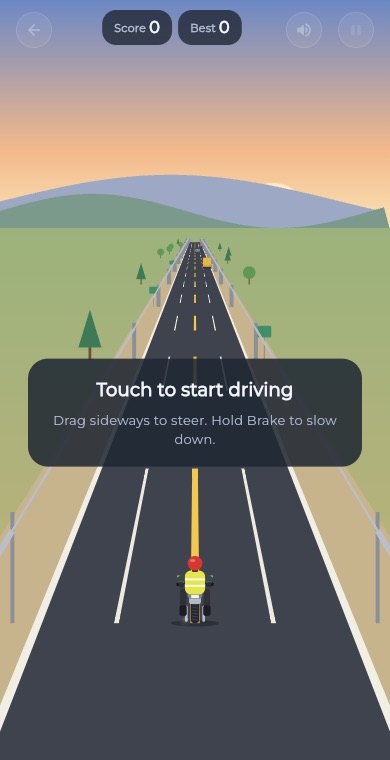 RacingEndless Bike
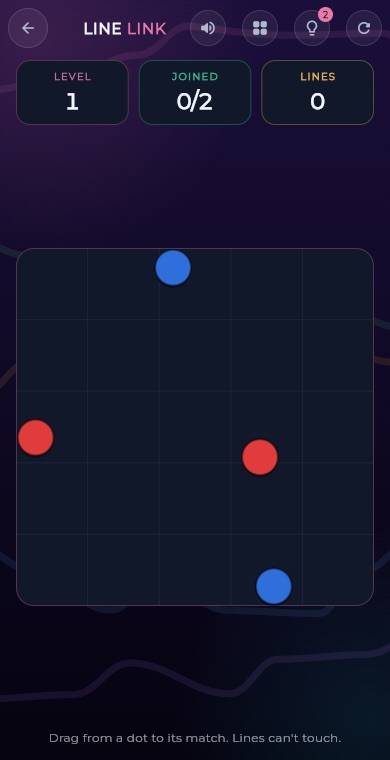 PuzzleLine Link
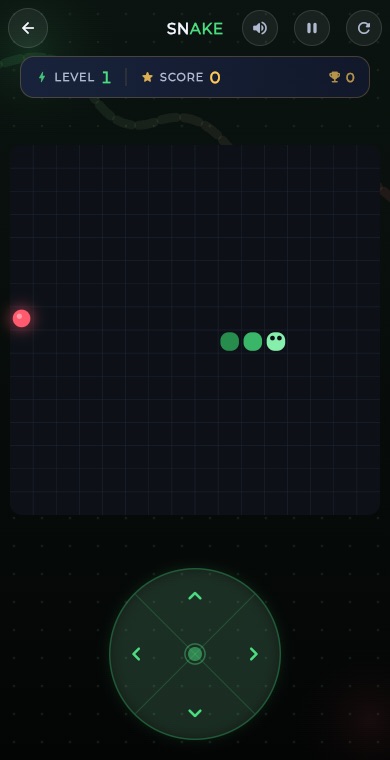 ArcadeSnake
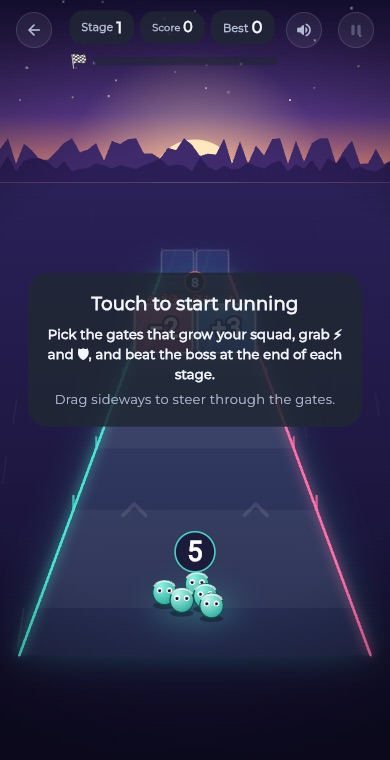 ArcadeGate Dash
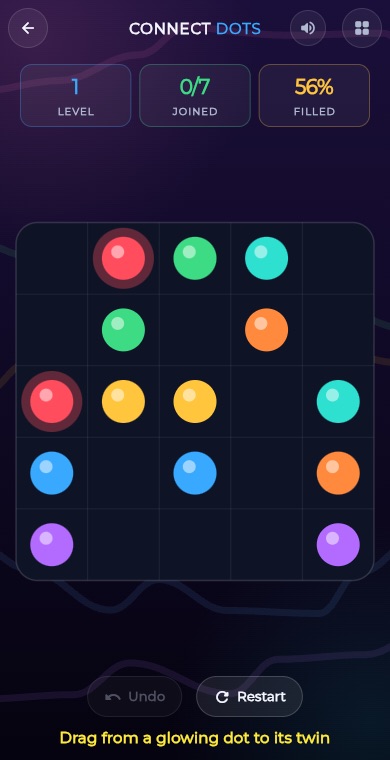 PuzzleConnect Dots
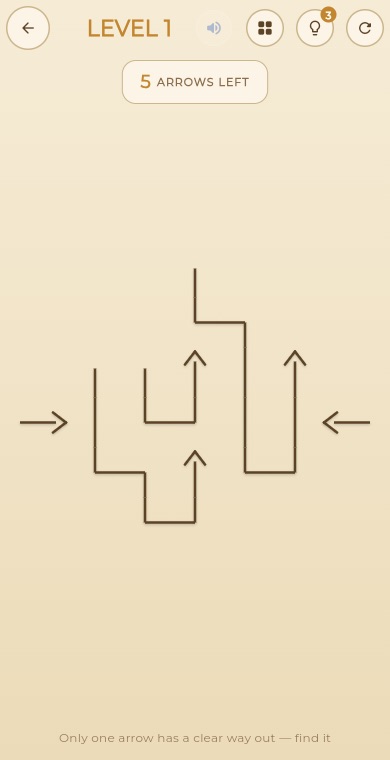 PuzzleArrow Puzzle
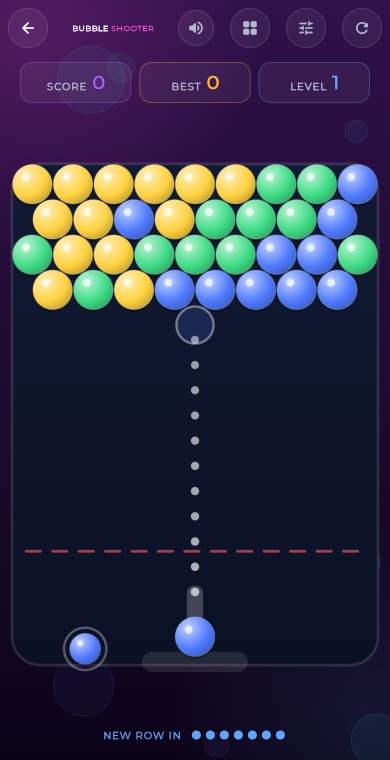 ArcadeBubble Shooter
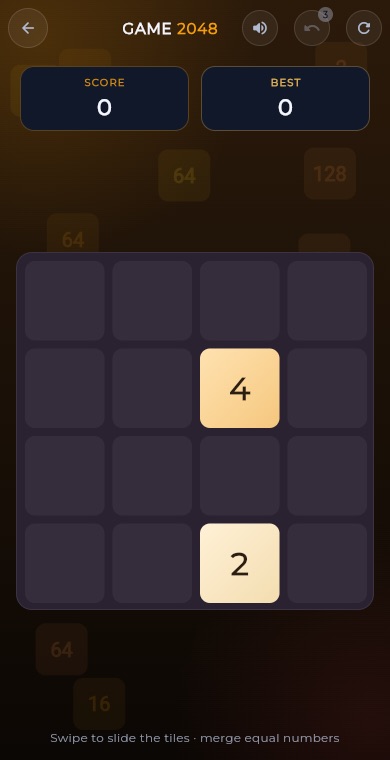 Puzzle2048
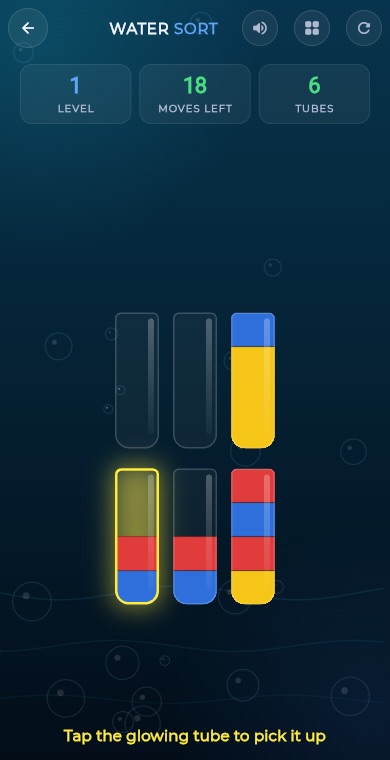 PuzzleWater Sort
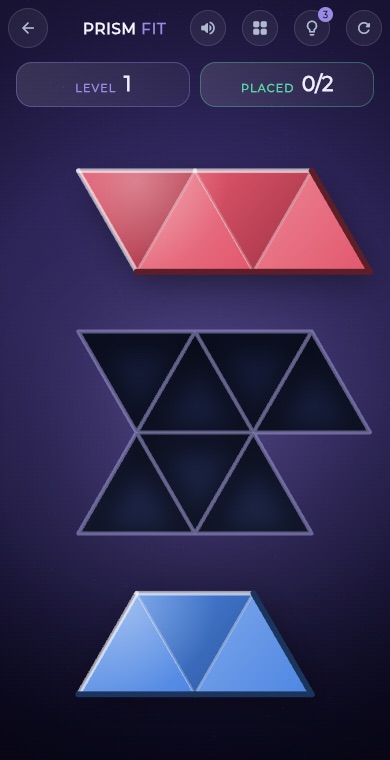 PuzzlePrism Fit
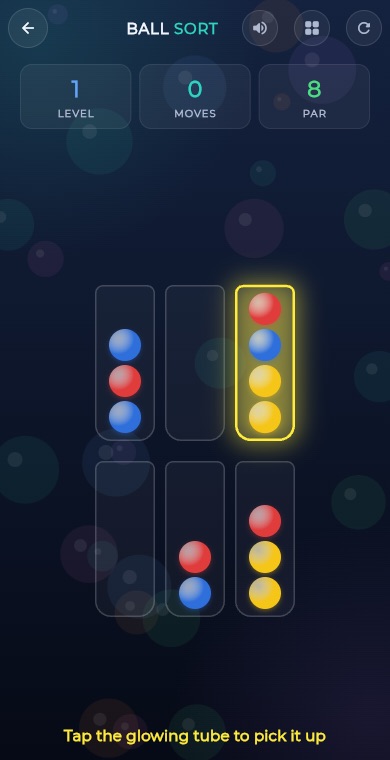 PuzzleBall Sort
 PuzzleWord Search
 PuzzleBlock Blast
 RacingCity Roam
 PuzzleMahjong
 PuzzleSlide Puzzle
 PuzzleGem Match
 BoardConnect Four
 BoardChess
 BoardLudo
 BoardCarrom
 BoardCheckers
 CardSolitaire
 PuzzleSudoku
 PuzzleMinesweeper