Line Link for Android
Join matching dots without letting any lines touch
- Free
- Play in your browser, progress saved
- Part of GameHub, 30+ games
Your level and best scores are saved in this browser, so you can continue where you stopped. The app keeps your progress on your phone.
About Line Link
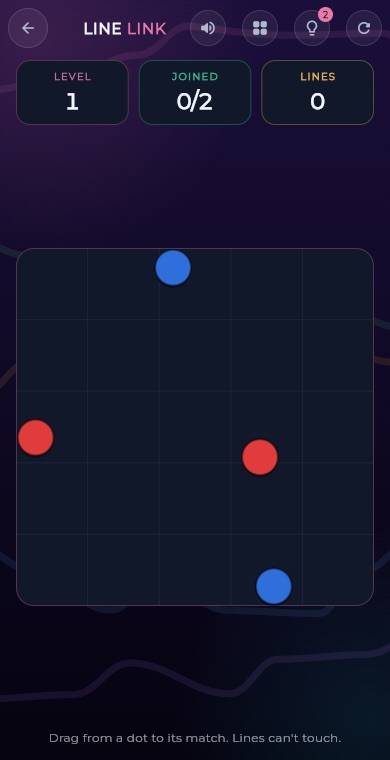
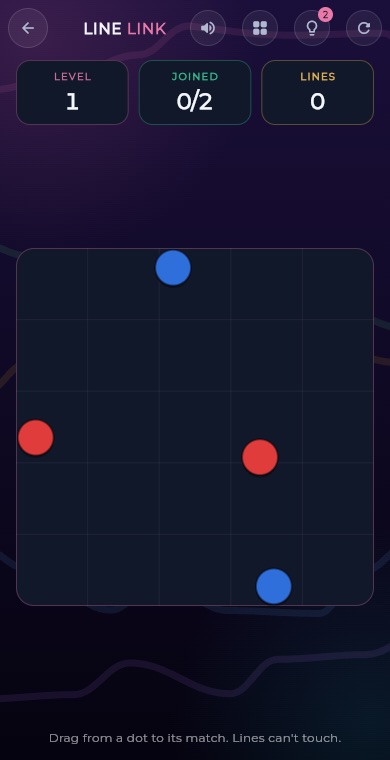
Line Link is a drawing puzzle. Pairs of same-coloured dots sit on an open board, and you drag a line from one dot to its match. The catch is that no line may touch another line or another colour's dot, so the order and shape of your lines matter.
The GameHub version has endless levels that grow from two pairs of dots up to six pairs, with the dots packed closer together as you go. Every level is checked to be solvable. You earn up to three stars per level and your progress is saved.
How to play
Put your finger on a dot and drag. A line follows your finger as you move.
Guide the line to the matching dot of the same colour. When you get close, it snaps on and the pair is joined.
Lines cannot touch other lines or other dots. If you run into something, the line stops and your phone gives a small buzz.
To change a joined pair, start dragging from one of its dots again and redraw it.
Join every pair to clear the level. Use the restart button to wipe the lines and try again.
What you get
Levels never run out, each one built from its level number.
From two pairs up to six pairs, with dots placed closer together.
Every level is checked to have a valid solution before you play.
The first two levels offer two hints that show a pair's route.
Join every pair with its first line to earn the full three stars.
Your highest level is ranked on the GameHub leaderboard.
Pro tips
- Look at the whole board first and decide which pairs are boxed in by others.
- Draw the hardest, most crowded pair first, while there is still plenty of free space.
- Straight lines between dots often cross, so expect to curve around other dots.
- Keep lines tight and leave room, because lines must stay apart from each other.
- For three stars, plan every route so each pair is joined on its first line with no redraws.
Take Line Link everywhere
Download GameHub free to save your progress and best scores, and unlock 30+ games.
Frequently asked questions
How do you play Line Link?
Drag from a dot to the matching dot of the same colour to draw a line. Repeat for every pair. No line may touch another line or another colour's dot, so plan your routes carefully.
Can I redraw a line in Line Link?
Yes. Start dragging from one of the dots of a joined pair and the old line is released so you can draw a new one. Redraws count as extra lines, which can lower your star rating.
How are stars awarded in Line Link?
Three stars need every pair joined with no more lines than there are pairs and no hints used. Two stars allow up to one redraw per pair on average. Finishing at all earns one star.
Does Line Link have hints?
Yes, but only on the first two levels, where you get two hints that show the route for a pair that is not joined yet. Later levels have no hints, so you rely on planning.
Is Line Link free on Android?
Yes. Line Link is a free game inside the GameHub app for Android. Levels are endless, your progress and stars are saved, and a half-finished board is restored when you return.
More games
 BoardTic Tac Toe
 RacingEndless Car
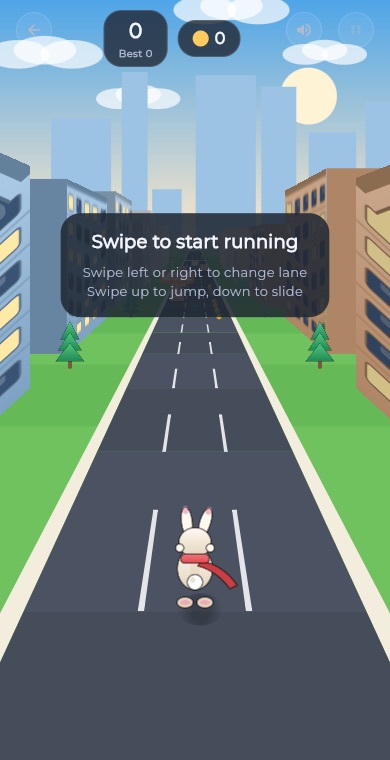 ArcadeEndless Runner
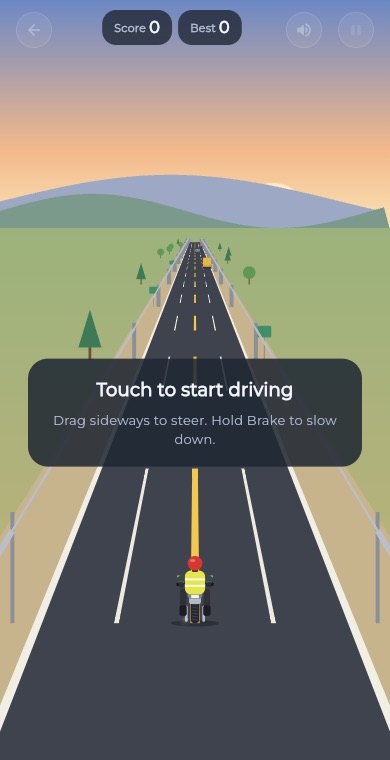 RacingEndless Bike
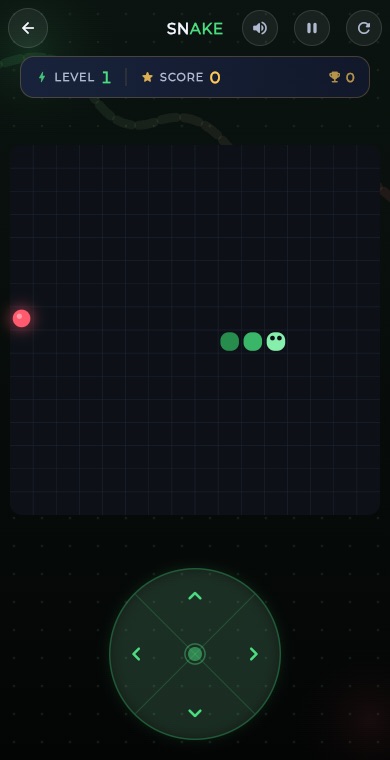 ArcadeSnake
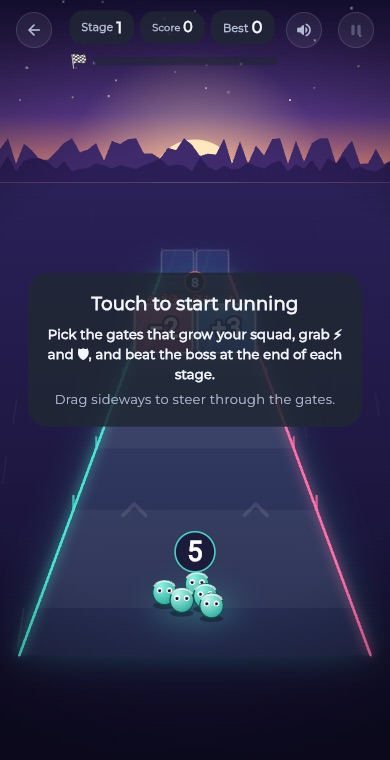 ArcadeGate Dash
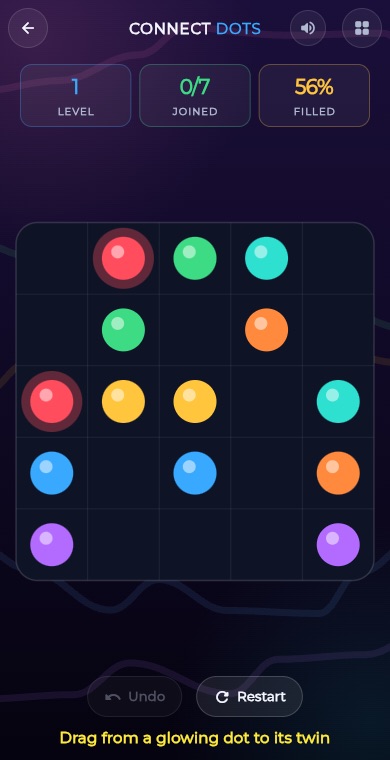 PuzzleConnect Dots
 PuzzleArrow Puzzle
 ArcadeBubble Shooter
 Puzzle2048
 PuzzleWater Sort
 PuzzlePrism Fit
 PuzzleBall Sort
 PuzzleWord Search
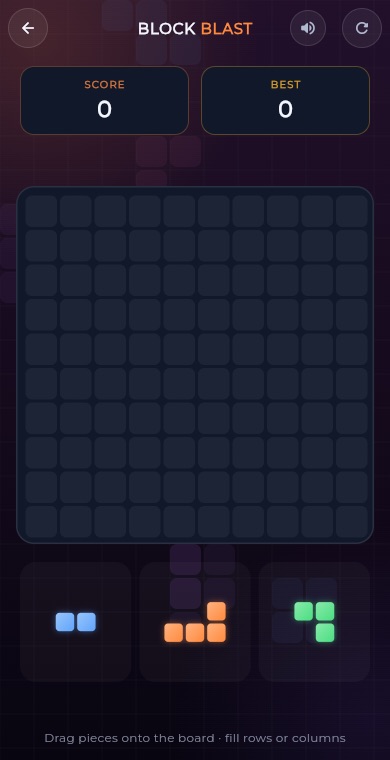 PuzzleBlock Blast
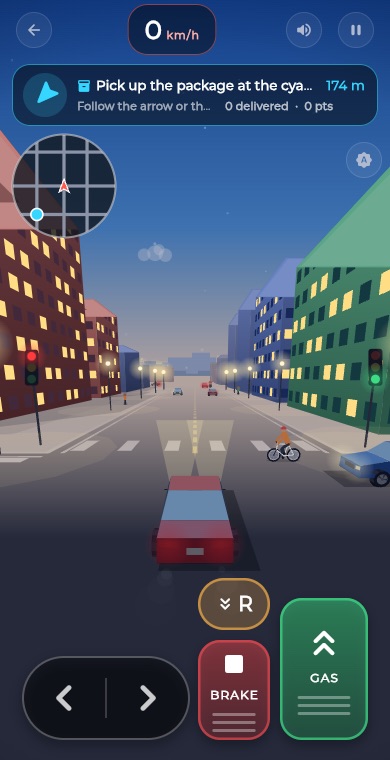 RacingCity Roam
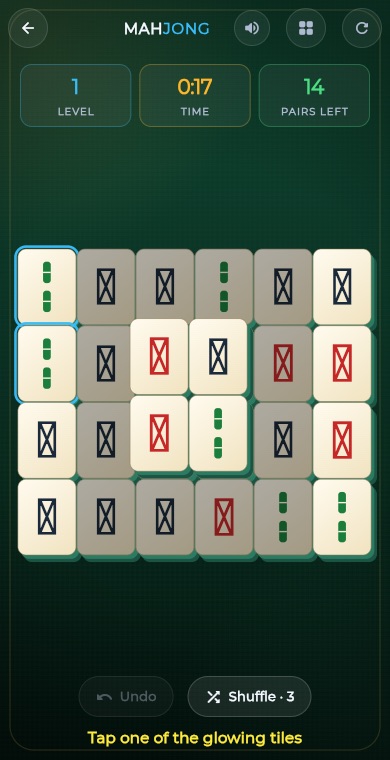 PuzzleMahjong
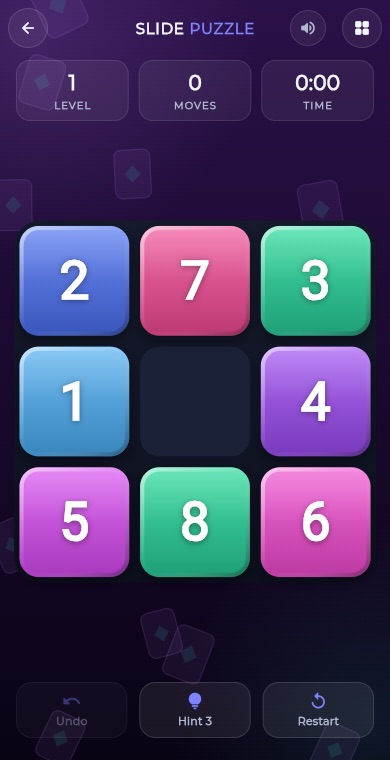 PuzzleSlide Puzzle
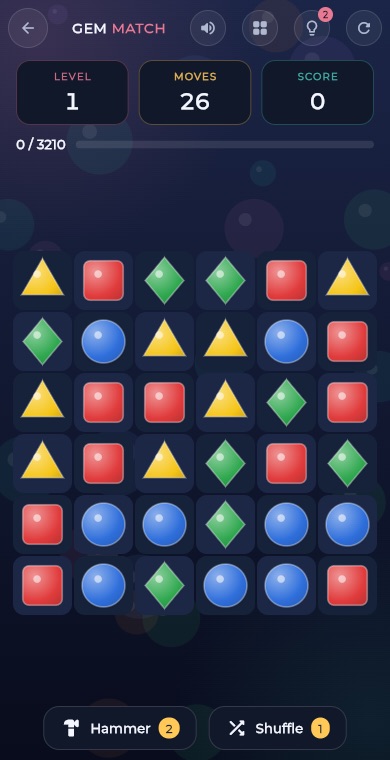 PuzzleGem Match
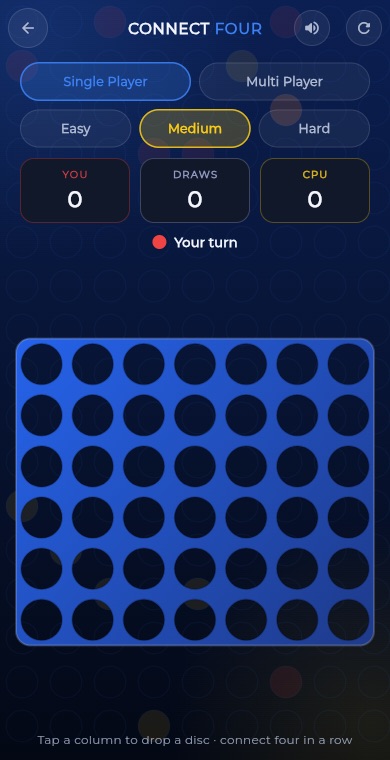 BoardConnect Four
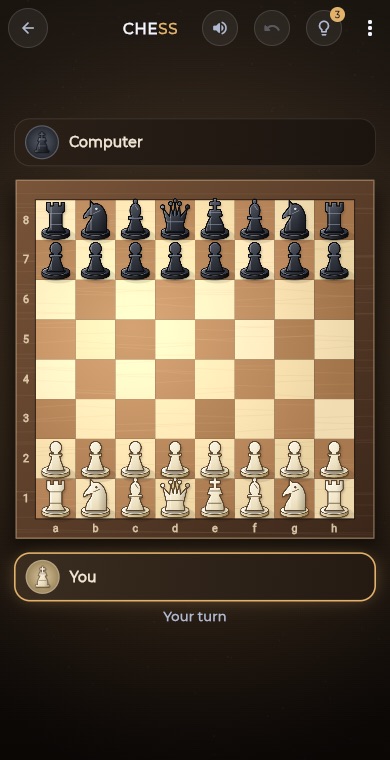 BoardChess
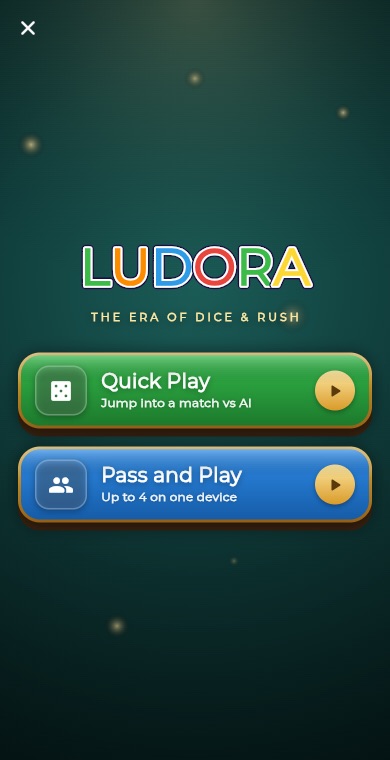 BoardLudo
 BoardCarrom
 BoardCheckers
 CardSolitaire
 PuzzleSudoku
 PuzzleMinesweeper
 PuzzleMemory Match