Connect Four for Android
Line up four discs before your opponent does
- Free
- Play in your browser, progress saved
- Part of GameHub, 30+ games
Your level and best scores are saved in this browser, so you can continue where you stopped. The app keeps your progress on your phone.
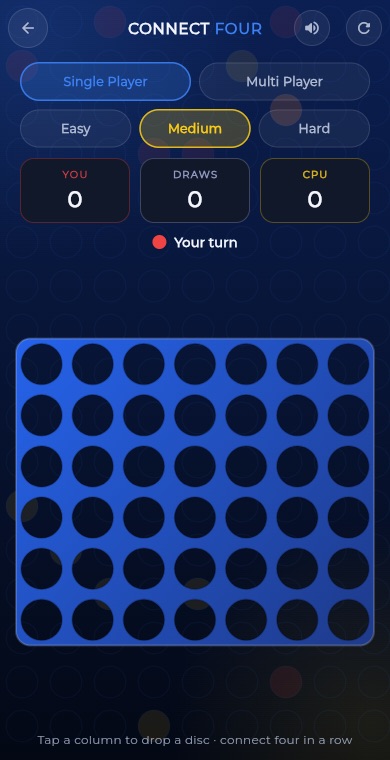
About Connect Four
Connect Four is a classic two-player game played on an upright grid with seven columns and six rows. Players take turns dropping a disc into a column, and the disc falls to the lowest free spot. The first player to line up four discs in a row, in any direction, wins.
In GameHub you play red against a yellow opponent. Choose Easy, Medium or Hard against the computer, or play two players on one phone. The winning four lights up, your wins, losses and draws are tallied, and a game in progress is saved so you can come back to it.
How to play
Choose Computer or Two players, and for the computer pick Easy, Medium or Hard.
Tap a column to drop your disc. It falls to the lowest empty spot in that column.
Take turns with your opponent. Red and yellow alternate, and the player who starts switches from game to game.
Line up four of your discs in a row horizontally, vertically or diagonally to win.
If all 42 spots fill up with no four in a row, the game is a draw. Start a new game any time from the top bar.
What you get
Play Easy, Medium or Hard to match the challenge to how you feel.
Hand the phone back and forth for a quick game with a friend.
Red wins, yellow wins and draws are counted for the current mode and level.
The four connected discs are shown clearly when someone wins.
A game in progress is saved, so you can leave and return to the same board.
Beating the computer or a friend as red counts as a win on the Connect Four leaderboard.
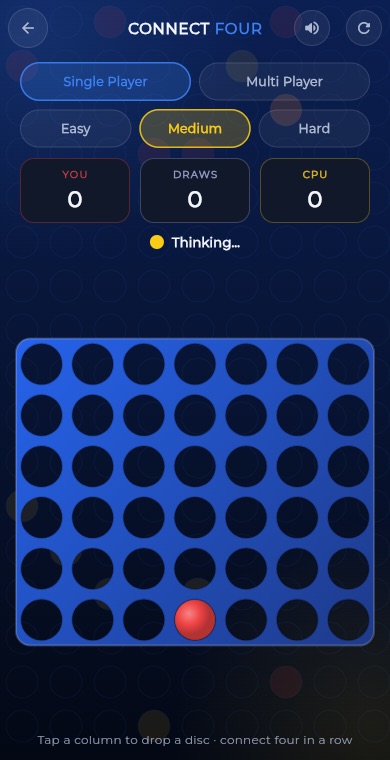
Pro tips
- Start in the center column. It takes part in more possible fours than any other column.
- Watch for diagonals. They are the easiest lines to miss, for you and for the computer.
- Try to build two threats at once so your opponent can only block one.
- Before you drop a disc, check whether it gives your opponent a winning spot directly above it.
- Block three in a row with open ends right away, because it can become four on either side.
Take Connect Four everywhere
Download GameHub free to save your progress and best scores, and unlock 30+ games.
Frequently asked questions
Is Connect Four free on Android?
Yes. Connect Four is included in the free GameHub app. You can play against the computer at three levels or against a friend on the same phone.
How big is the board?
The board has seven columns and six rows, so 42 spots in total. You tap a column and your disc drops to the lowest free spot there.
Can I play Connect Four with a friend?
Yes. Pick the two players option and pass the phone back and forth. Red goes first in the first game, and the starting player switches in each new game.
Is there an online mode for Connect Four?
No. In GameHub, Connect Four is played against the computer or with a friend on the same device. There is no online matchmaking for this game.
Does the game save my progress?
Yes. If you leave a game with discs already on the board, it is saved and restored the next time you open Connect Four, including the score for that session.
More games
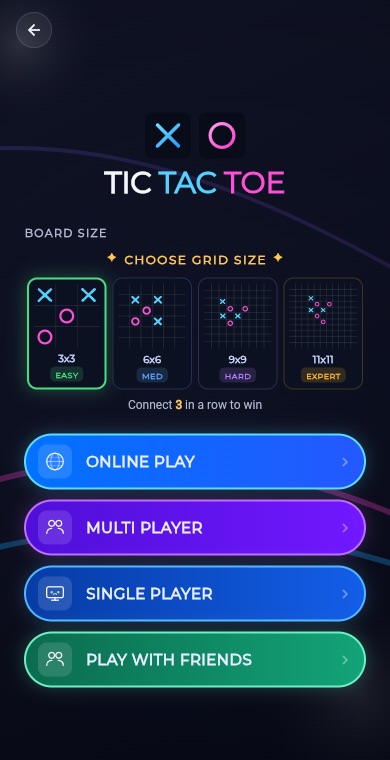 BoardTic Tac Toe
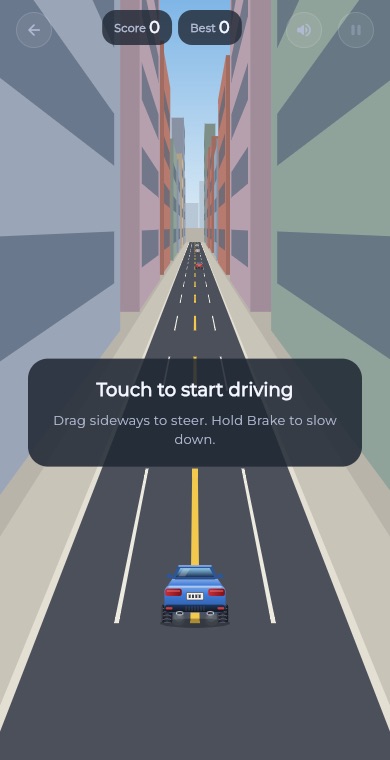 RacingEndless Car
 ArcadeEndless Runner
 RacingEndless Bike
 PuzzleLine Link
 ArcadeSnake
 ArcadeGate Dash
 PuzzleConnect Dots
 PuzzleArrow Puzzle
 ArcadeBubble Shooter
 Puzzle2048
 PuzzleWater Sort
 PuzzlePrism Fit
 PuzzleBall Sort
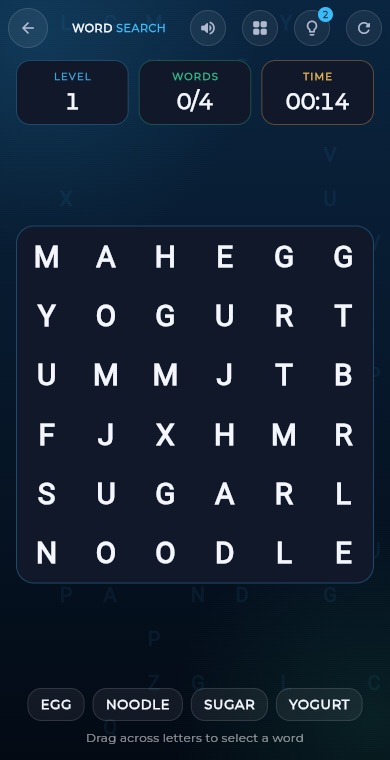 PuzzleWord Search
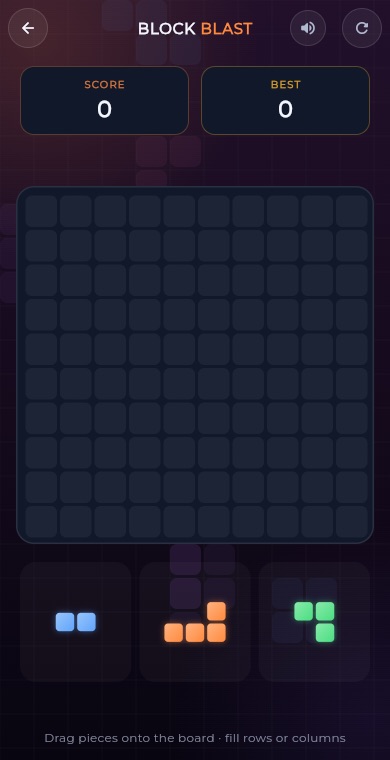 PuzzleBlock Blast
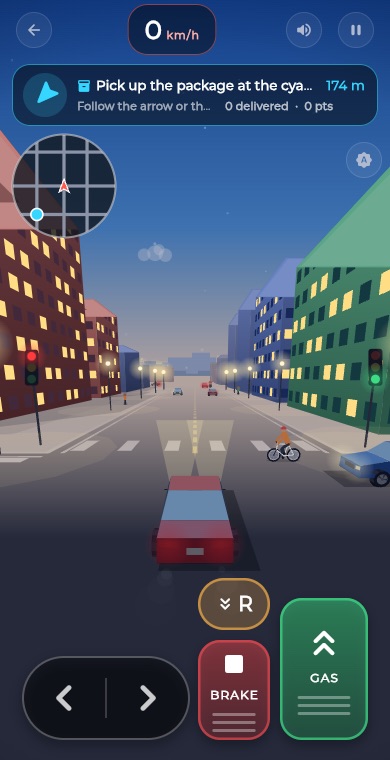 RacingCity Roam
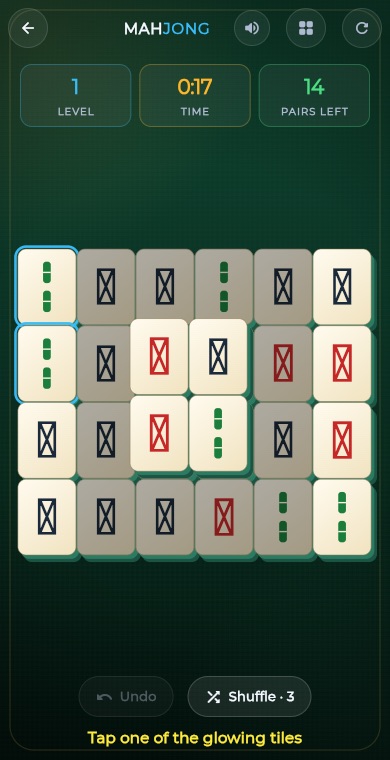 PuzzleMahjong
 PuzzleSlide Puzzle
 PuzzleGem Match
 BoardChess
 BoardLudo
 BoardCarrom
 BoardCheckers
 CardSolitaire
 PuzzleSudoku
 PuzzleMinesweeper
 PuzzleMemory Match