Chess for Android
Play chess against the computer or a friend, with hints
- Free
- Play in your browser, progress saved
- Part of GameHub, 30+ games
Your level and best scores are saved in this browser, so you can continue where you stopped. The app keeps your progress on your phone.
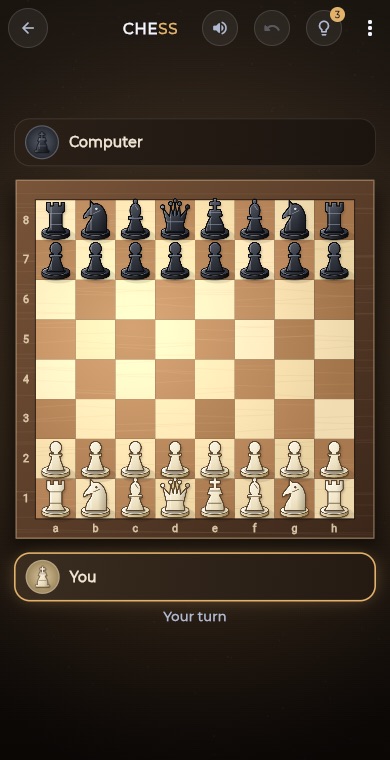
About Chess
Chess is the classic strategy game for two players, each commanding sixteen pieces with the aim of trapping the opposing king in checkmate. It rewards planning, patience and spotting tactics a few moves ahead.
The GameHub version includes the full rules, with castling, en passant and pawn promotion. Play White or Black against the computer at three levels, or share the device in two-player mode. You can undo moves, ask for up to three hints and resign when needed.
How to play
Pick Computer Easy, Medium or Hard, or choose Two players. Against the computer you can play as White or Black.
Tap one of your pieces to select it, then tap a highlighted square to move it there.
Capture rival pieces by moving onto them, and watch for check. If your king is attacked you must get out of check.
When a pawn reaches the far side, choose the piece you want it to become.
Checkmate the other king to win. The game can also end in a draw by stalemate, repetition, the fifty-move rule or too few pieces.
What you get
Play Easy, Medium or Hard, and choose White or Black.
Share one device and play a friend, with a button to flip the board.
Take back your last move, or your move and the reply against the computer.
Ask for up to 3 hints per game when you are unsure of the best move.
Castling, en passant, promotion, check, checkmate and draw rules are included.
Your wins, losses and draws are tracked per level, and wins feed a leaderboard.
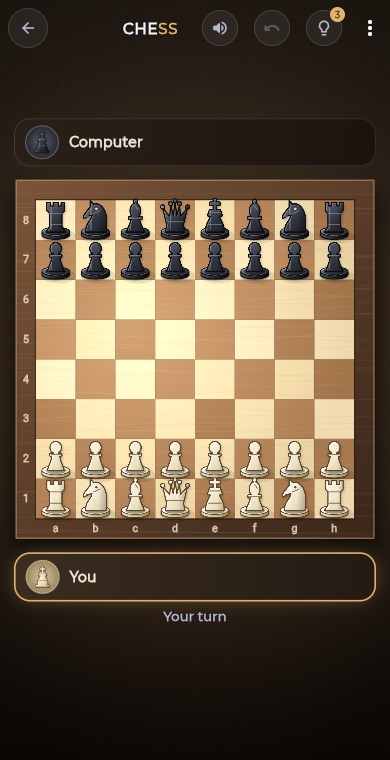
Pro tips
- Control the centre squares early with your pawns and knights.
- Develop your knights and bishops before moving the same piece twice, then castle to keep your king safe.
- Before every move, check what your opponent's last move is threatening.
- Trade pieces when you are ahead in material, since fewer pieces make the lead count for more.
- Start on Easy to learn the patterns, then step up to Medium and Hard as you improve.
Take Chess everywhere
Download GameHub free to save your progress and best scores, and unlock 30+ games.
Frequently asked questions
Is chess free on Android in GameHub?
Yes. Chess is included free in the GameHub app for Android. You can play against the computer or a friend on the same device without paying.
Can I play chess against the computer?
Yes. Choose Easy, Medium or Hard and play as White or Black. Easy makes occasional mistakes, while Hard searches deeper and plays a much stronger game.
Does the chess game support castling and en passant?
Yes. The game follows the standard rules, including castling, en passant capture and pawn promotion, along with check, checkmate and the usual draw conditions.
Can I undo a move in chess?
Yes. Use the undo button to take back your last move. Against the computer it also takes back the computer's reply so it is your turn again.
How do hints work in the chess game?
Tap the hint button on your turn and the game highlights a suggested move. You get up to three hints in each game, and a new game resets them.
More games
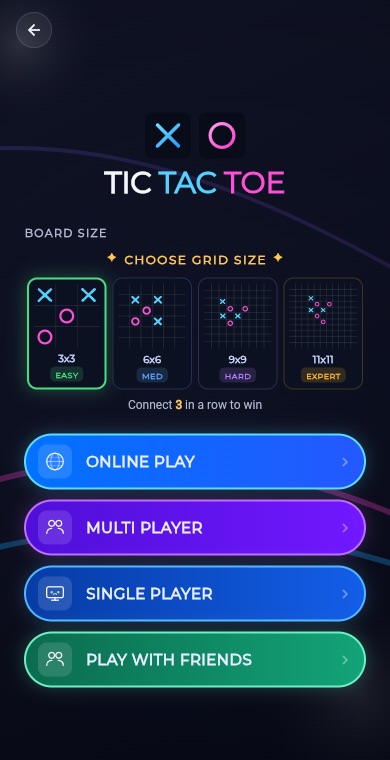 BoardTic Tac Toe
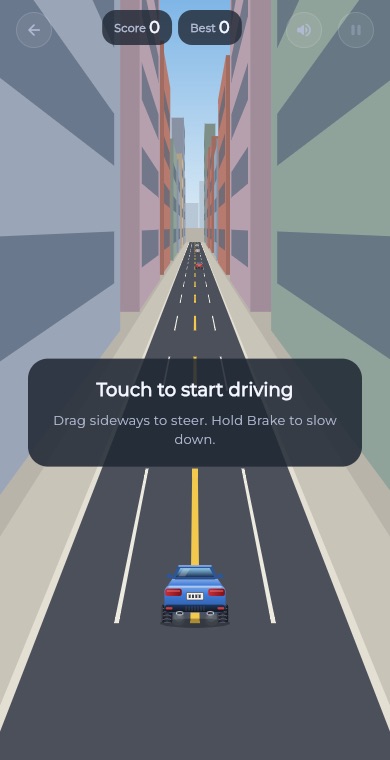 RacingEndless Car
 ArcadeEndless Runner
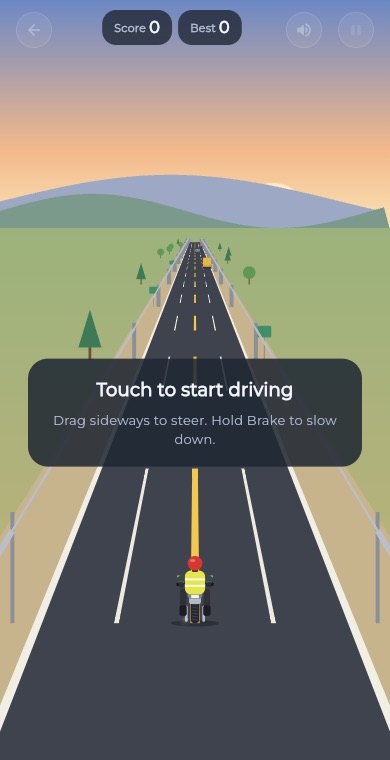 RacingEndless Bike
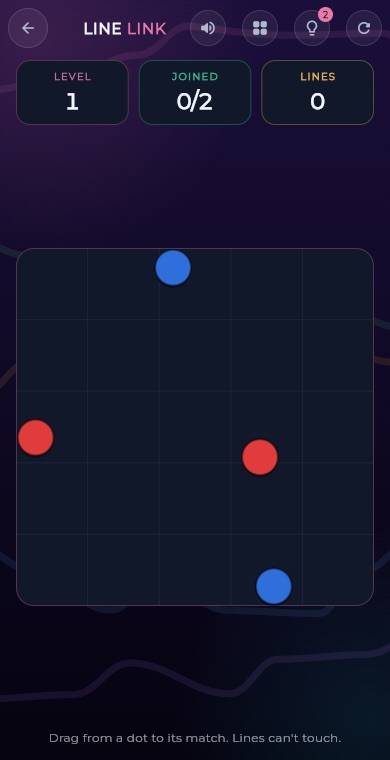 PuzzleLine Link
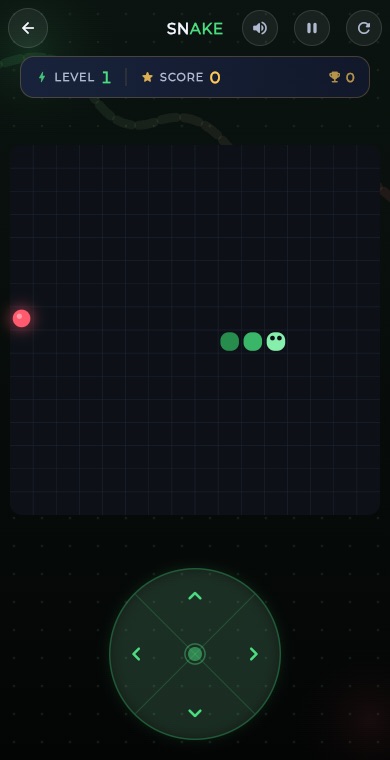 ArcadeSnake
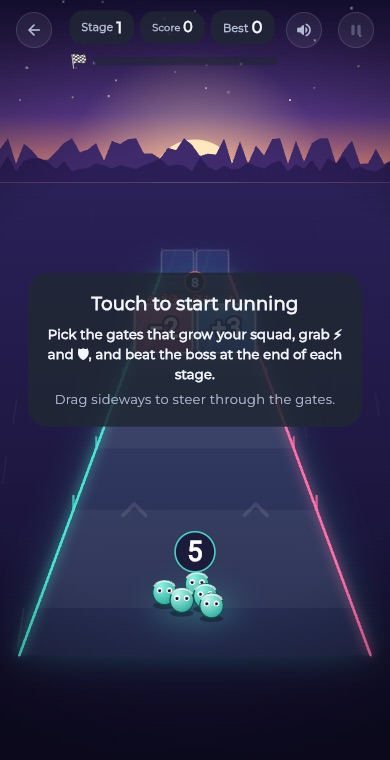 ArcadeGate Dash
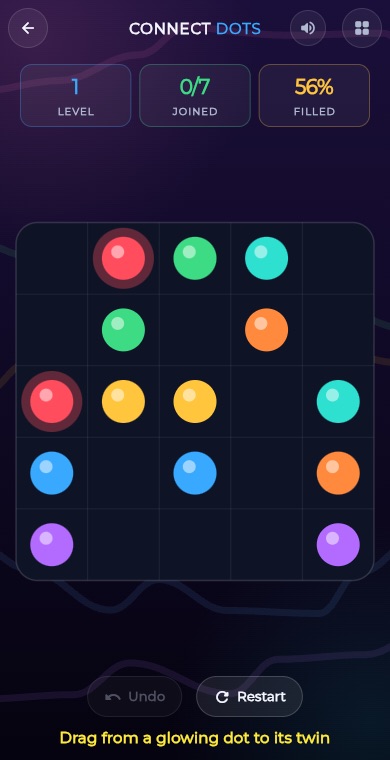 PuzzleConnect Dots
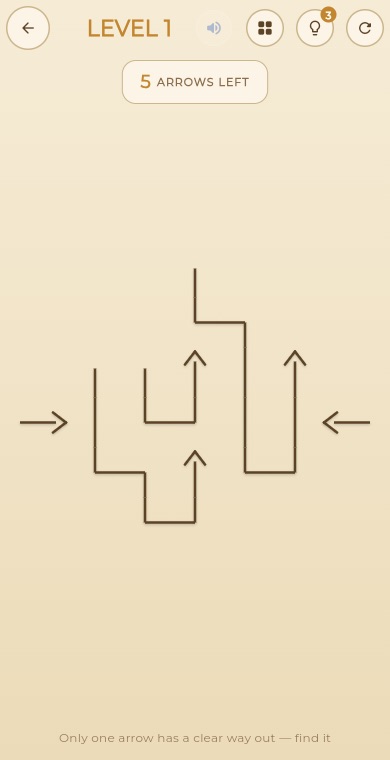 PuzzleArrow Puzzle
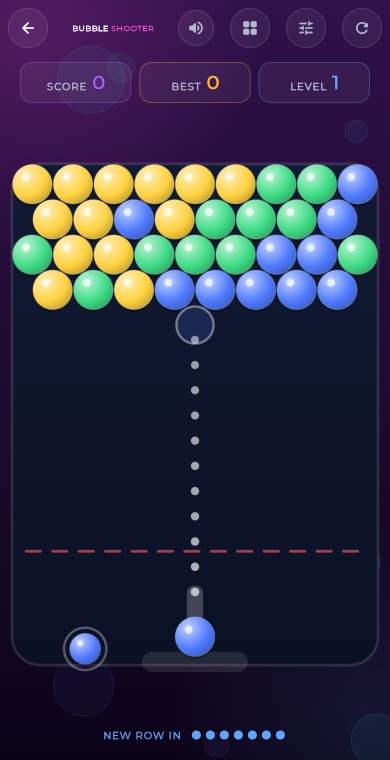 ArcadeBubble Shooter
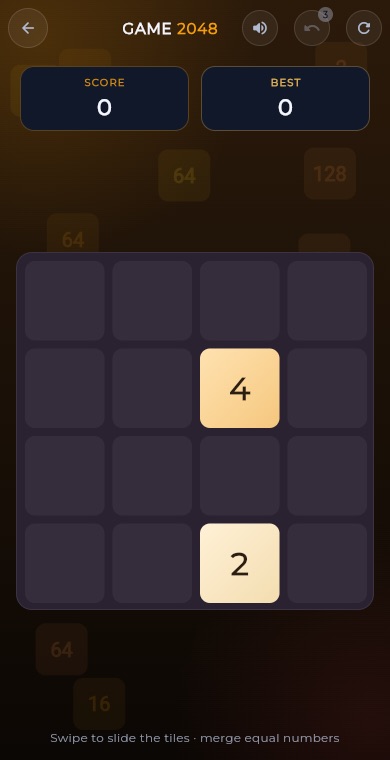 Puzzle2048
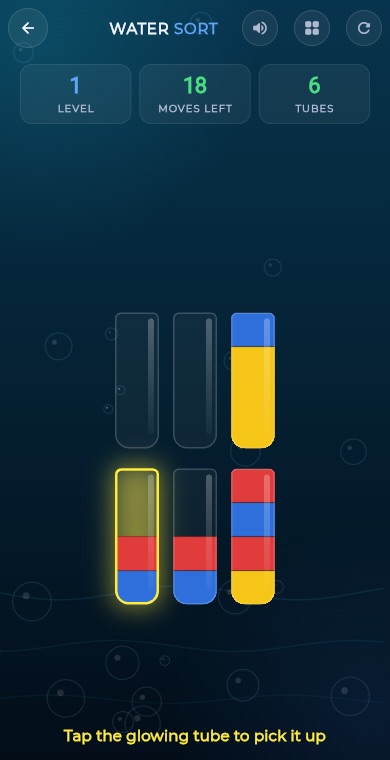 PuzzleWater Sort
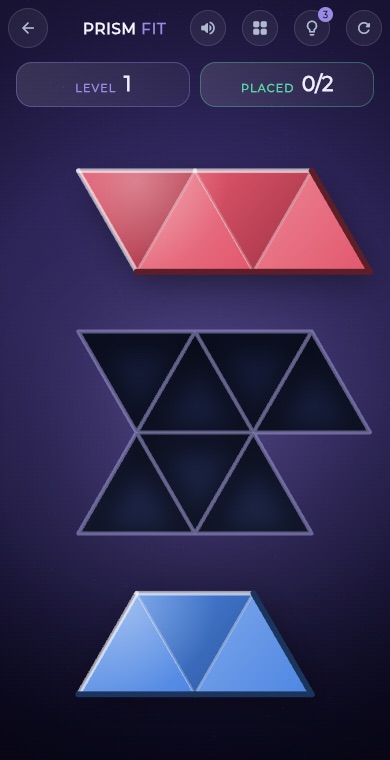 PuzzlePrism Fit
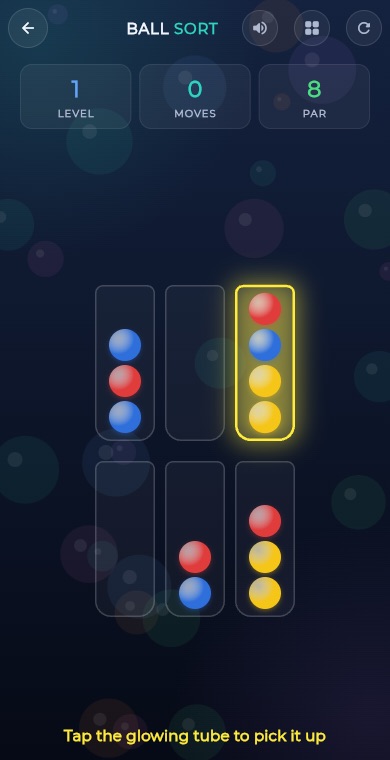 PuzzleBall Sort
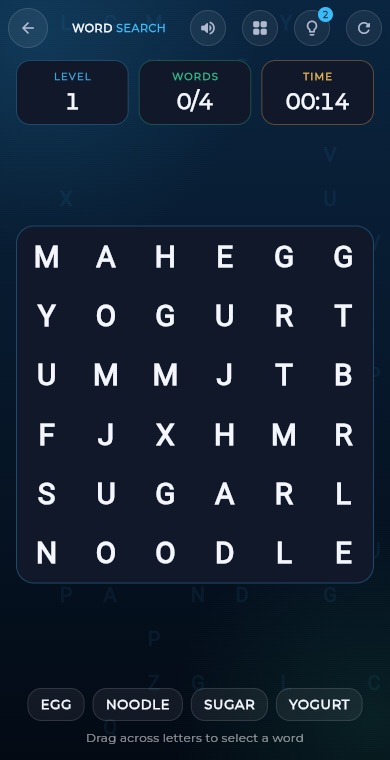 PuzzleWord Search
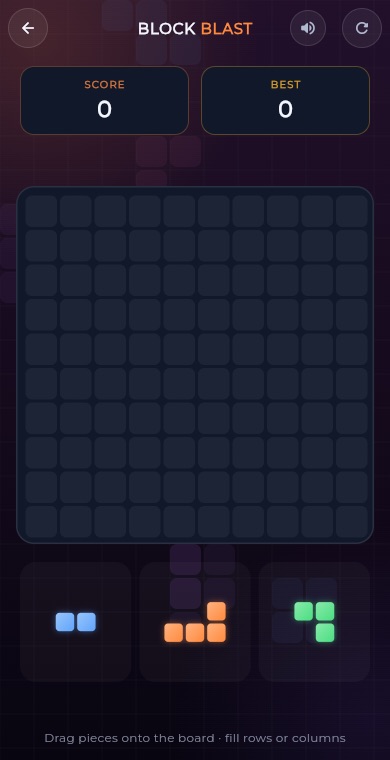 PuzzleBlock Blast
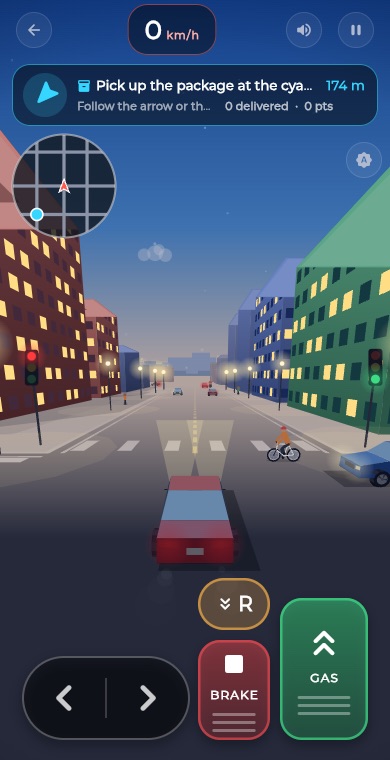 RacingCity Roam
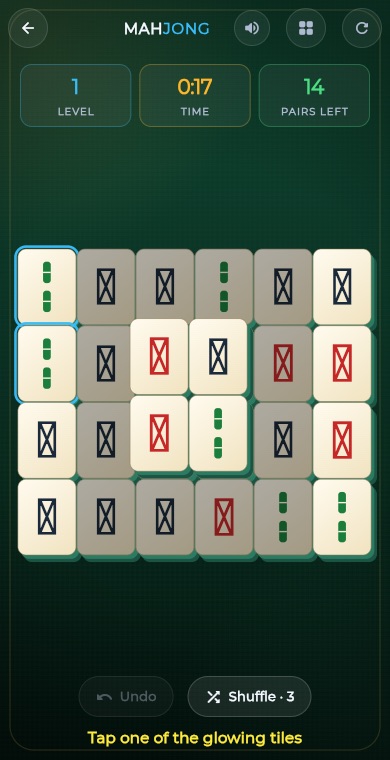 PuzzleMahjong
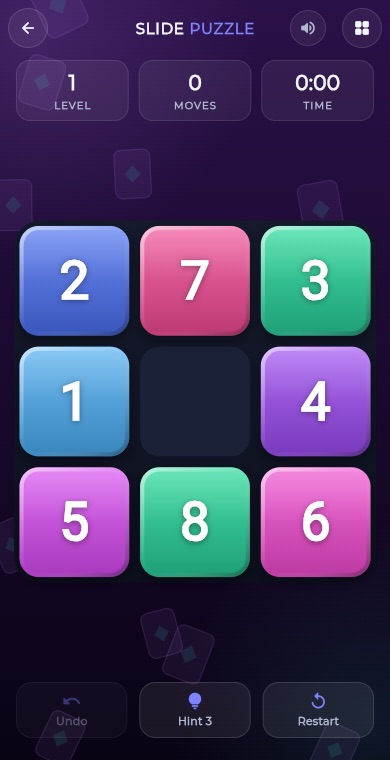 PuzzleSlide Puzzle
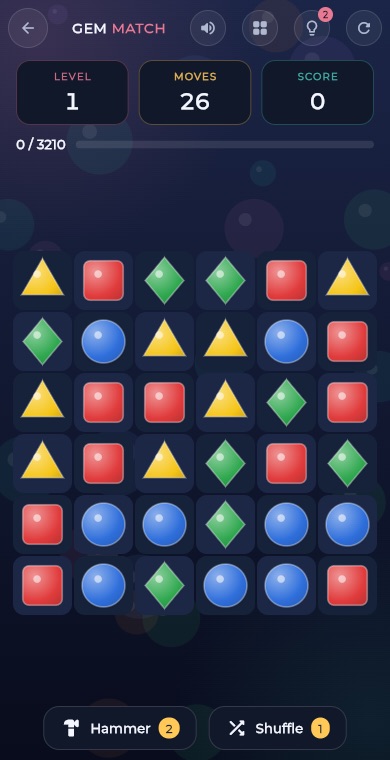 PuzzleGem Match
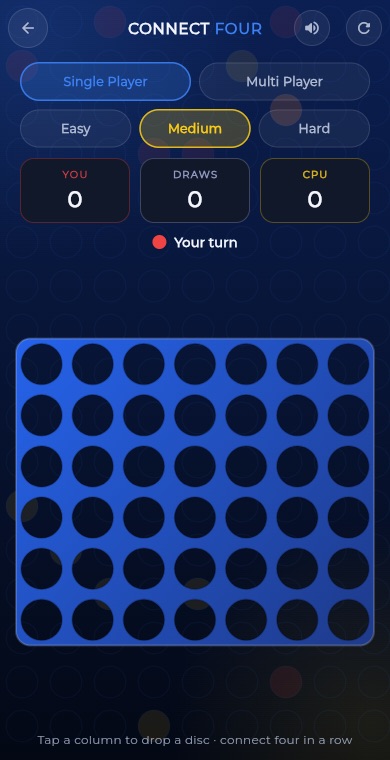 BoardConnect Four
 BoardLudo
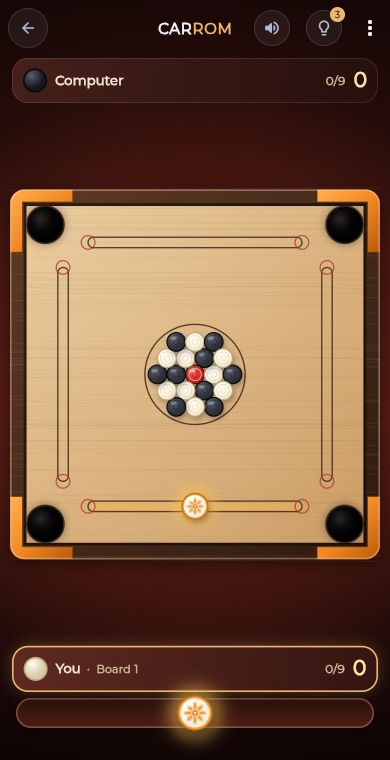 BoardCarrom
 BoardCheckers
 CardSolitaire
 PuzzleSudoku
 PuzzleMinesweeper
 PuzzleMemory Match