Minesweeper for Android
Clear the field without hitting a mine
- Free
- Play in your browser, progress saved
- Part of GameHub, 30+ games
Your level and best scores are saved in this browser, so you can continue where you stopped. The app keeps your progress on your phone.
About Minesweeper
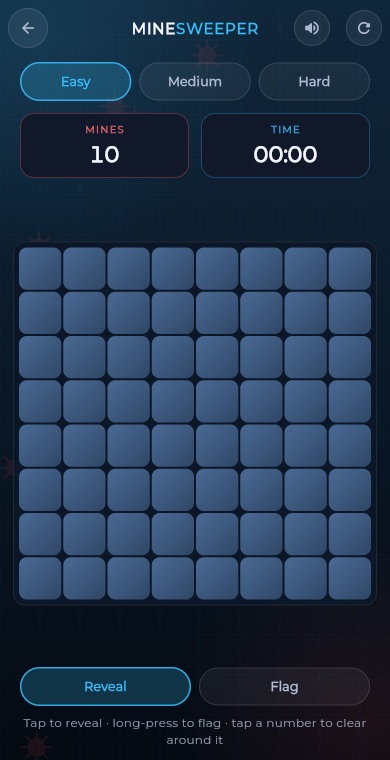
Minesweeper is a classic logic puzzle. A field of hidden squares conceals a number of mines, and each number you uncover tells you how many mines touch that square. Use those clues to work out where the mines are and open every safe square.
The GameHub version is built for touch screens. Your first tap is always safe, empty areas open up automatically, and a flag mode makes marking mines easy. Choose from three board sizes, race the clock for a best time and resume a game in progress.
How to play
Pick a difficulty: Easy is 8x8 with 10 mines, Medium is 9x12 with 18 mines, and Hard is 10x16 with 35 mines.
Tap any square to start. Your first tap and the squares around it are always mine free.
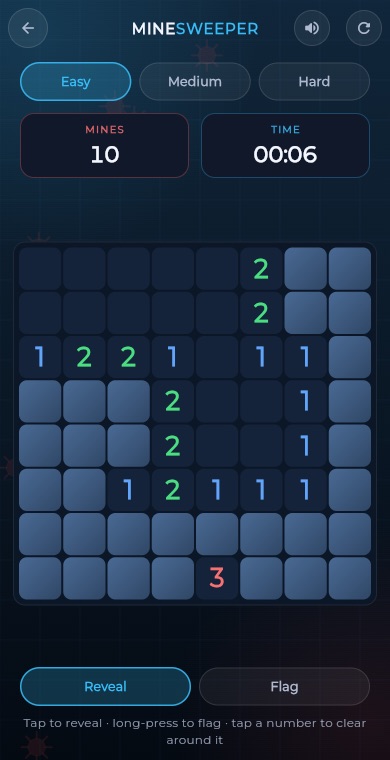
Read the numbers. A number shows how many of the eight squares around it hold a mine.
Long-press a square to place or remove a flag on a suspected mine, or switch to Flag mode and simply tap.
Tap an opened number whose flags already match its count to open all its other neighbours at once. This is called chording.
Open every safe square to win. Opening a mine ends the game.
What you get
Your first move and its neighbours are always clear, so you never lose at once.
Toggle Flag mode for easy marking, or long-press any square to flag it.
Tap a satisfied number to open all of its remaining neighbours in one move.
Easy, Medium and Hard, with 10, 18 or 35 mines on the field.
A timer runs while you play, and your best time is saved for each difficulty.
Unfinished games are saved, and best times can be compared on leaderboards.
Pro tips
- Start with the numbers in corners and along edges, since they have fewer neighbours and are easier to solve.
- If a number equals the count of hidden squares around it, all of those squares are mines. Flag them.
- If a number already has all its mines flagged, the other neighbours are safe. Chord to open them fast.
- Look at pairs of neighbouring numbers. Comparing what they share often reveals a mine or a safe square.
- Only flag when you are sure. A wrong flag leads to wrong chording, which can set off a mine.
Take Minesweeper everywhere
Download GameHub free to save your progress and best scores, and unlock 30+ games.
Frequently asked questions
Is Minesweeper free on Android?
Yes. Minesweeper is part of the free GameHub app on Android. You can download it from Google Play and start playing right away without creating an account.
Can I lose on my first tap?
No. Mines are placed after your first tap, and that square and all the squares around it are always kept clear. Your first move will always open up a safe area.
How do I place a flag on a phone?
Long-press a square to flag or unflag it. You can also turn on Flag mode with the mode switch, then every tap places or removes a flag instead of revealing a square.
What are the board sizes and mine counts?
Easy is 8 by 8 with 10 mines, Medium is 9 by 12 with 18 mines, and Hard is 10 by 16 with 35 mines. Your best time is kept for each level.
What is chording in Minesweeper?
Chording means tapping an opened number once you have flagged as many mines around it as the number says. The game then opens all its other neighbouring squares in a single tap.
More games
 BoardTic Tac Toe
 RacingEndless Car
 ArcadeEndless Runner
 RacingEndless Bike
 PuzzleLine Link
 ArcadeSnake
 ArcadeGate Dash
 PuzzleConnect Dots
 PuzzleArrow Puzzle
 ArcadeBubble Shooter
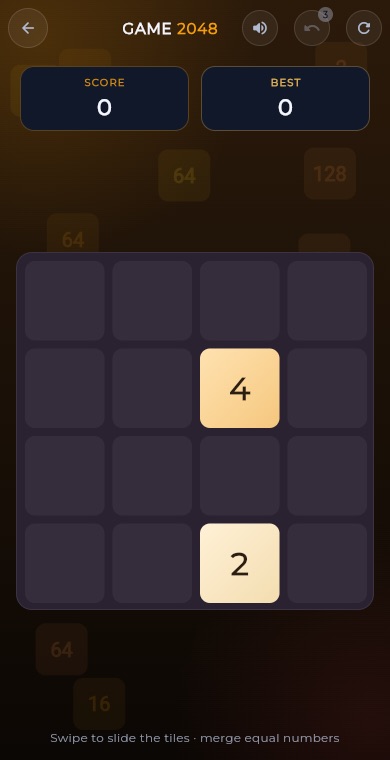 Puzzle2048
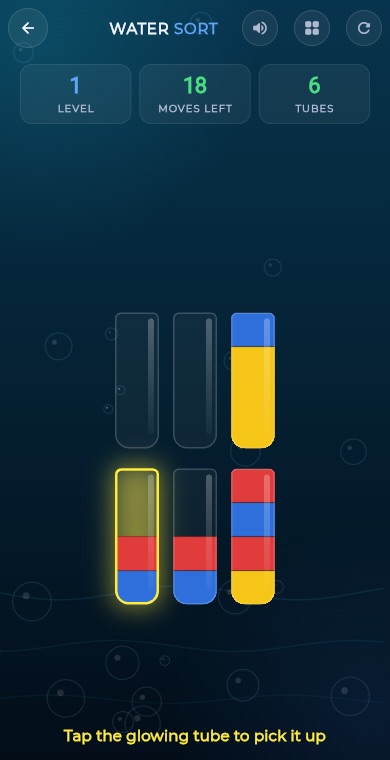 PuzzleWater Sort
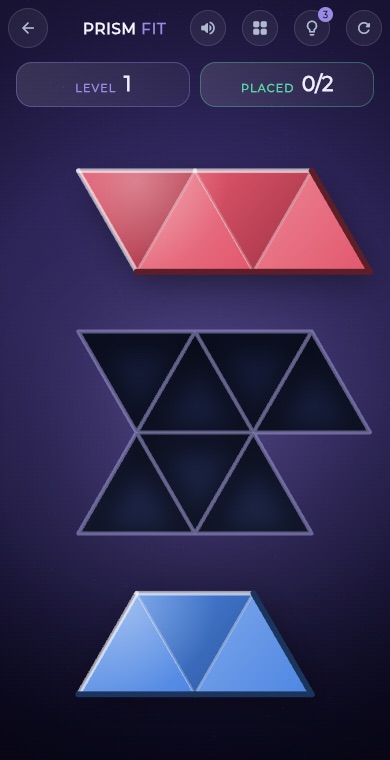 PuzzlePrism Fit
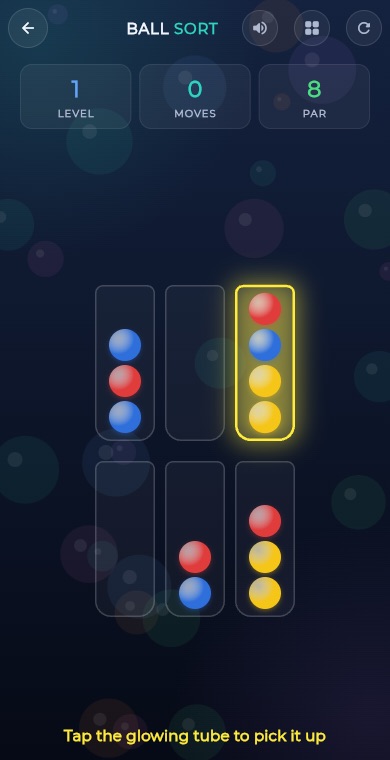 PuzzleBall Sort
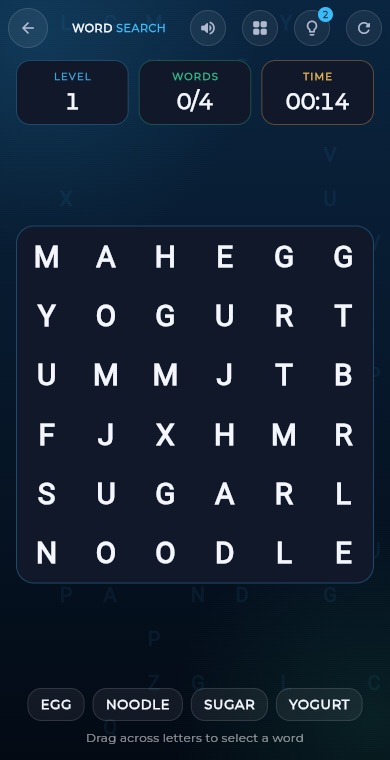 PuzzleWord Search
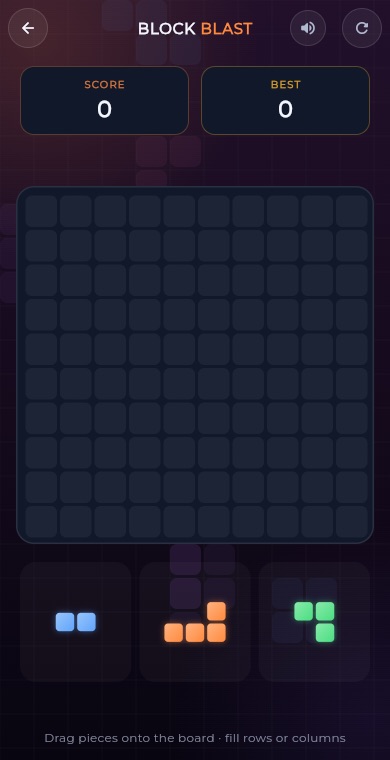 PuzzleBlock Blast
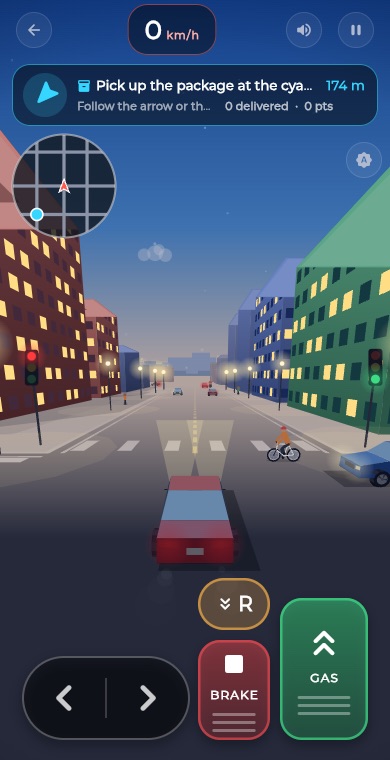 RacingCity Roam
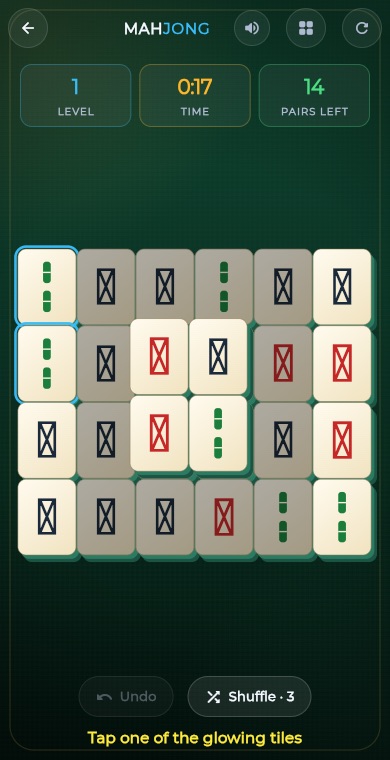 PuzzleMahjong
 PuzzleSlide Puzzle
 PuzzleGem Match
 BoardConnect Four
 BoardChess
 BoardLudo
 BoardCarrom
 BoardCheckers
 CardSolitaire
 PuzzleSudoku
 PuzzleMemory Match