Mahjong for Android
Match free tiles to clear the stack
- Free
- Play in your browser, progress saved
- Part of GameHub, 30+ games
Your level and best scores are saved in this browser, so you can continue where you stopped. The app keeps your progress on your phone.
About Mahjong
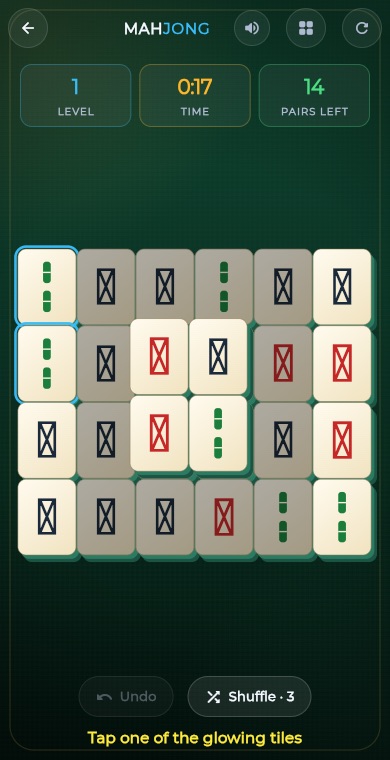
Mahjong solitaire is a tile-matching puzzle. A stack of tiles is laid out on the board, and your goal is to remove all of them by tapping pairs of identical tiles. Only free tiles can be picked, so the order you clear them in matters.
In GameHub, the game is played in levels that get harder as the number of different tile faces grows. Boards are dealt so they can always be finished, you can undo a move or shuffle the remaining tiles, and each level earns up to three stars.
How to play
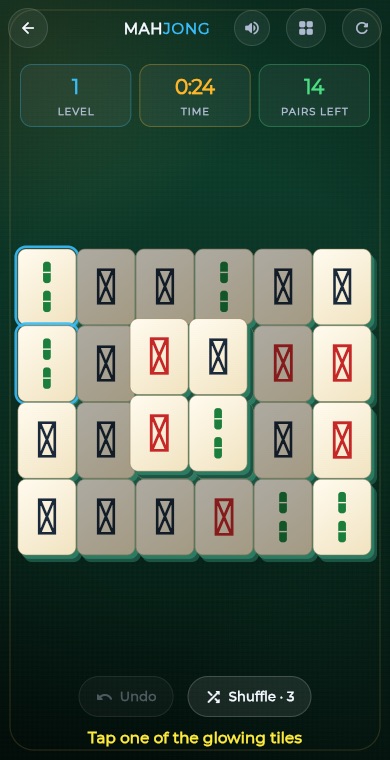
Look for free tiles. A tile is free when nothing lies on top of it and its left or right side is open.
Tap a free tile to select it, then tap another free tile with the same face to remove the pair.
Tapping a free tile with a different face counts as a slip and moves your selection to the new tile. Tap your selected tile again to deselect it.
Use Undo to put back the last cleared pair, and Shuffle to mix the faces of the remaining tiles if you get stuck (3 per level).
Clear every tile to finish the level, then move on to the next, harder one.
The first level is guided with glowing tiles that show you which pair to match.
What you get
Starter, Pyramid, Wings, Fortress and Turtle boards, repeating as levels go on.
Higher levels use more different tile faces, so fewer matches are on offer.
Each deal is built backwards, so there is always a way to clear the board.
Undo your last pair, or shuffle the remaining tiles up to three times per level.
Earn up to three stars per level, and replay to improve your stars and best time.
A half cleared board is saved, and your level progress can be ranked on leaderboards.
Pro tips
- Prefer moves that free up tiles from the tallest stacks, since tiles buried deep are the hardest to reach later.
- Clear tiles at the far left and right ends early. They open up the rows between them.
- When you see more than two tiles with the same face, think about which pair to take so the other tile stays reachable.
- Be careful with Shuffle. Each use costs stars, so try undoing a move first when you are stuck.
- Take a moment to scan before each tap. Careless slips with mismatched tiles also lower your star rating.
Take Mahjong everywhere
Download GameHub free to save your progress and best scores, and unlock 30+ games.
Frequently asked questions
Is Mahjong solitaire free on Android?
Yes. Mahjong is included free in the GameHub app for Android. Download it from Google Play and start matching tiles straight away, with no sign-up needed to play.
What makes a tile free in Mahjong?
A tile is free when no other tile lies on top of it and either its left side or its right side is open. Only free tiles can be selected and matched.
What if there are no more moves?
If no two free tiles match, the game tells you there are no more moves. You can then undo a move or use Shuffle, which mixes up the remaining tiles. You get three shuffles per level.
Is every Mahjong board solvable?
Yes. Each board is dealt by playing the game in reverse, which guarantees at least one way to clear every tile. Careless picks can still leave you stuck, so plan your order.
How do stars work in Mahjong?
You can earn up to three stars per level. Wrong picks and shuffles lower the rating, and each shuffle costs more than a slip. Replay a level to try for a better score and time.
More games
 BoardTic Tac Toe
 RacingEndless Car
 ArcadeEndless Runner
 RacingEndless Bike
 PuzzleLine Link
 ArcadeSnake
 ArcadeGate Dash
 PuzzleConnect Dots
 PuzzleArrow Puzzle
 ArcadeBubble Shooter
 Puzzle2048
 PuzzleWater Sort
 PuzzlePrism Fit
 PuzzleBall Sort
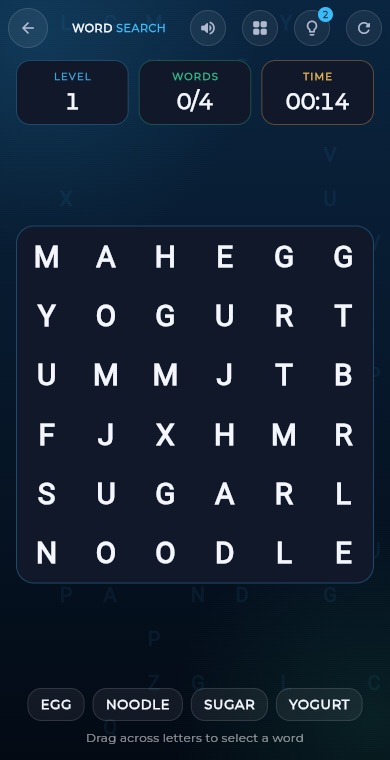 PuzzleWord Search
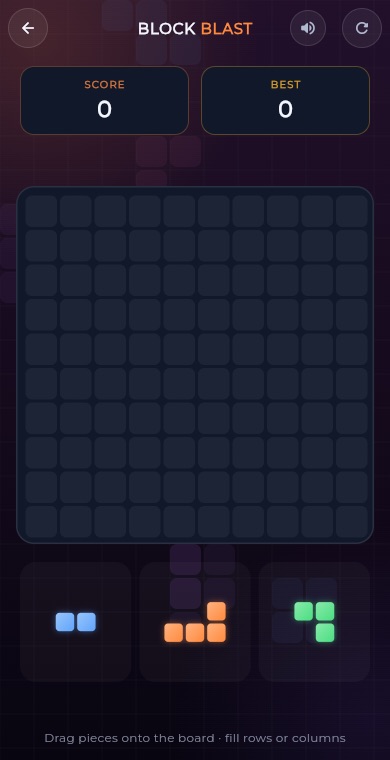 PuzzleBlock Blast
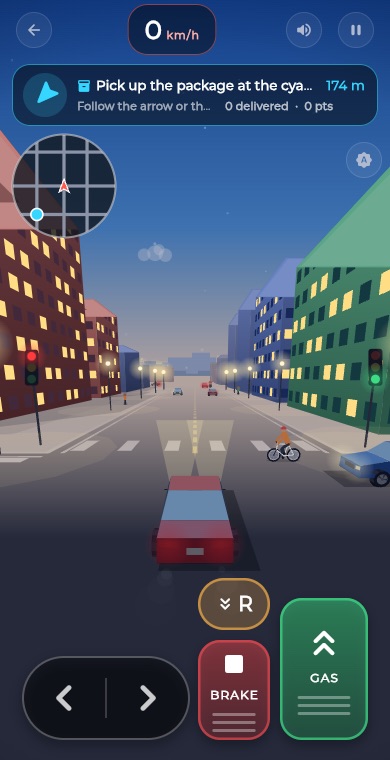 RacingCity Roam
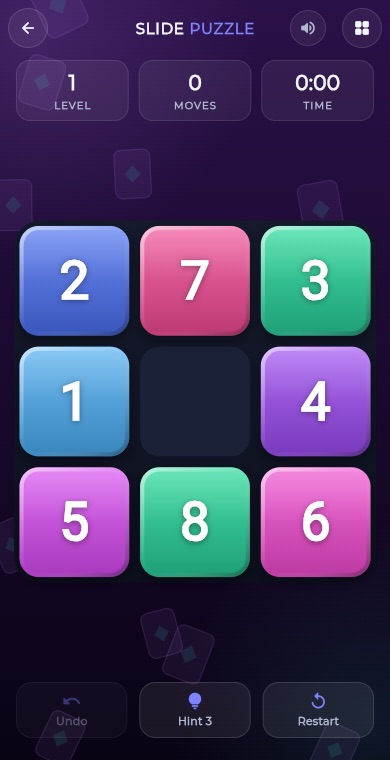 PuzzleSlide Puzzle
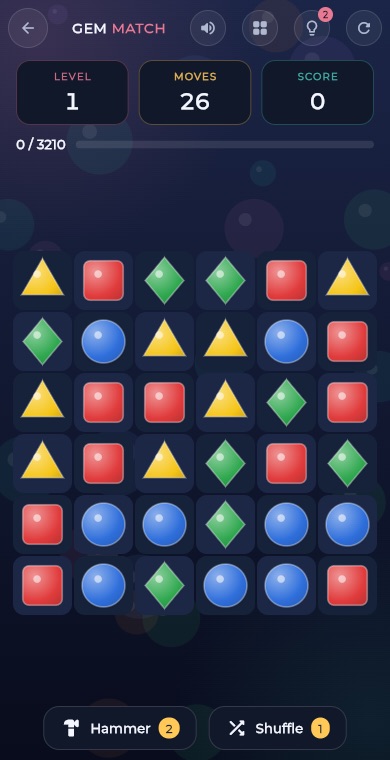 PuzzleGem Match
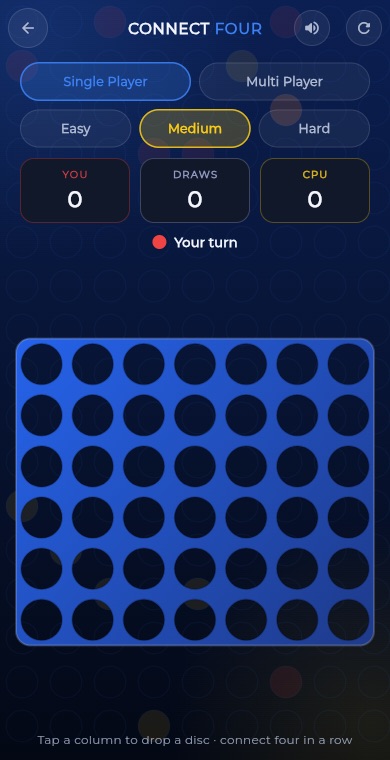 BoardConnect Four
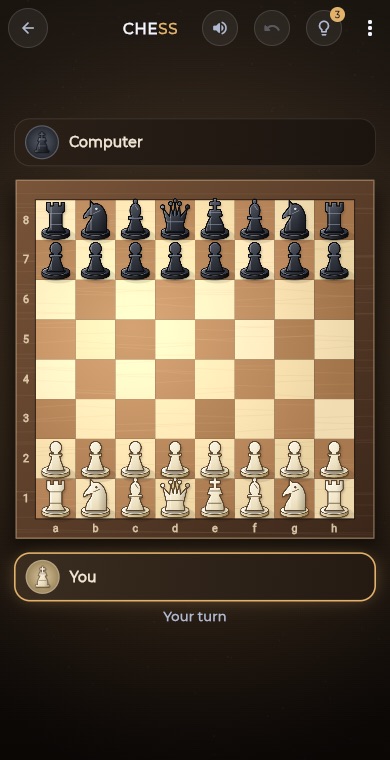 BoardChess
 BoardLudo
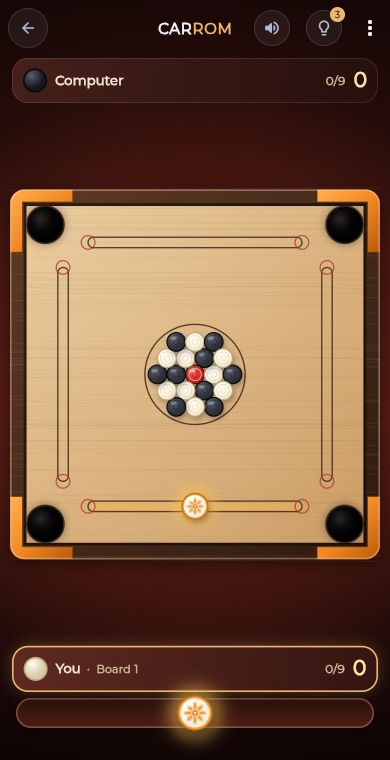 BoardCarrom
 BoardCheckers
 CardSolitaire
 PuzzleSudoku
 PuzzleMinesweeper
 PuzzleMemory Match