Ludo for Android
Race 4 tokens home first and send rivals back to start
- Free
- Play in your browser, progress saved
- Part of GameHub, 30+ games
Your level and best scores are saved in this browser, so you can continue where you stopped. The app keeps your progress on your phone.
About Ludo
Ludo is a classic race game where each player moves four tokens around a cross-shaped board and tries to bring them all home before anyone else. A roll of the dice decides how far you move, so luck and smart token choices both matter.
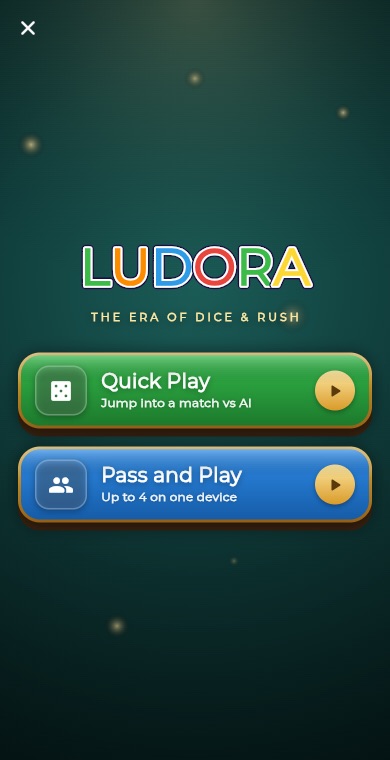
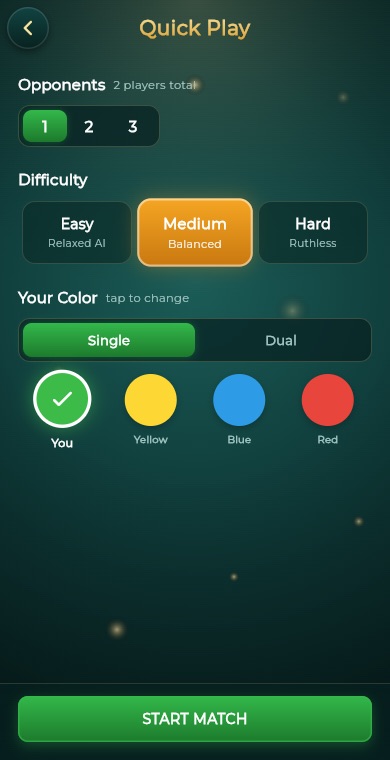
The GameHub version lets you play against one to three computer opponents at Easy, Medium or Hard, or hand the phone around for pass and play with up to four people. You pick your colour, and the game keeps track of your wins on the leaderboard.
How to play
Choose Quick Play to face the computer or Pass and Play for friends on one device. Pick the number of players and your colour, then start the match.
Tap the dice on your turn to roll. You need a six to bring a token out of your home yard onto the track.
After each roll, tap the token you want to move forward by that many steps. If only one token can move, the game moves it for you.
Land exactly on a rival token to send it back to its yard, unless it is sitting on a safe square. Rolling a six gives you another roll.
Get a token to the finish with an exact roll. The first player to bring all four tokens home wins.
What you get
Face 1 to 3 AI opponents at Easy, Medium or Hard difficulty.
Up to 4 players share one device, with colour and player setup.
Choose the token colour you want to play before the match starts.
Marked safe squares protect tokens, and paired tokens can form a blockade.
Your Ludo wins count towards a GameHub leaderboard.
Dice rolls, moves and captures come with sound effects and vibration.
Pro tips
- Bring a second token out when you roll a six instead of always advancing the first one. More options on the board means better choices later.
- Park tokens on safe squares when rivals are close behind them, since tokens there cannot be captured.
- Capture a rival that is far along the track whenever you can. It costs them the most progress.
- Keep a token near your home column so a lucky roll can finish it without overshooting.
- Remember that finishing needs an exact roll, so plan your last steps instead of rushing in.
Take Ludo everywhere
Download GameHub free to save your progress and best scores, and unlock 30+ games.
Frequently asked questions
Is Ludo free to play on Android?
Yes. Ludo is included free in the GameHub app for Android. You can start a match against the computer or with friends on one device without paying for anything.
How many players can play Ludo in GameHub?
Matches support 2, 3 or 4 players. Against the computer you face one to three AI opponents, and in Pass and Play up to four people can share a single phone or tablet.
Do I need a six to start moving a token?
Yes. With the default rules you must roll a six to bring a token out of your home yard onto the track. Rolling a six also earns you another roll.
Can I play Ludo with friends on one phone?
Yes. Choose Pass and Play, set up to four players and their colours, and take turns rolling the dice on the same device.
What difficulty levels does the computer have?
There are three: Easy for a relaxed game, Medium for a balanced challenge and Hard for a ruthless opponent. You choose the level before each Quick Play match.
More games
 BoardTic Tac Toe
 RacingEndless Car
 ArcadeEndless Runner
 RacingEndless Bike
 PuzzleLine Link
 ArcadeSnake
 ArcadeGate Dash
 PuzzleConnect Dots
 PuzzleArrow Puzzle
 ArcadeBubble Shooter
 Puzzle2048
 PuzzleWater Sort
 PuzzlePrism Fit
 PuzzleBall Sort
 PuzzleWord Search
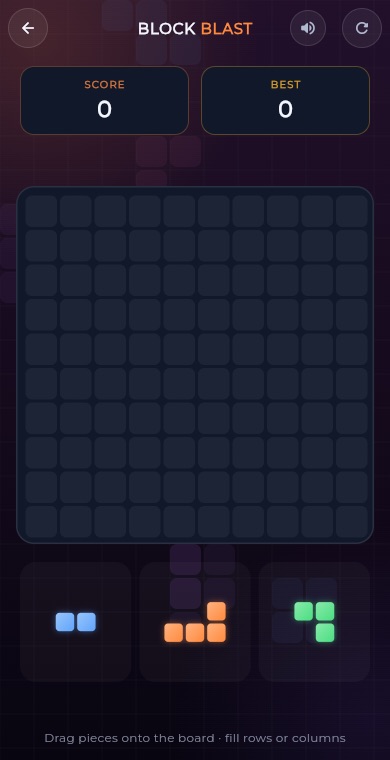 PuzzleBlock Blast
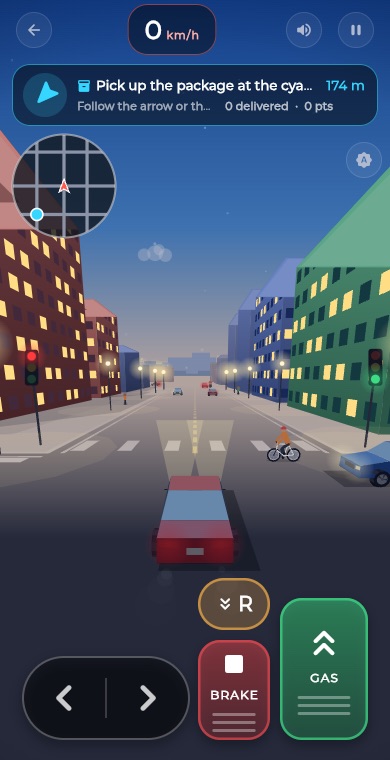 RacingCity Roam
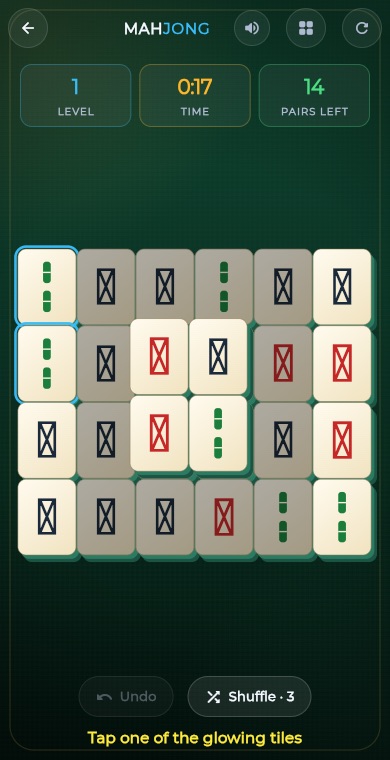 PuzzleMahjong
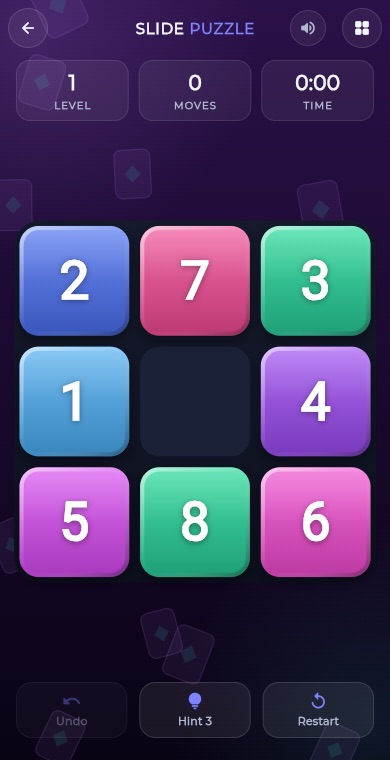 PuzzleSlide Puzzle
 PuzzleGem Match
 BoardConnect Four
 BoardChess
 BoardCarrom
 BoardCheckers
 CardSolitaire
 PuzzleSudoku
 PuzzleMinesweeper
 PuzzleMemory Match